
Comparing Top Hardware Wallets
Finding the right hardware wallet means balancing security, usability, coin support, and budget—without paying for features you’ll never use. Brands like Ledger, Trezor, and KeepKey are well-known staples, while beginner-friendly options like BitBox02 are popular for clean setup flows. And if your top concern is eliminating “single point of failure” risk around backups, newer designs like Cypherock X1 are worth a serious look.
- Security-focused wallets prioritize hardened key storage and strong on-device verification.
- Beginner-friendly devices guide you through setup with clear prompts and safer defaults.
- Broad asset support matters if you hold multiple chains and lots of tokens.
- Value-oriented models deliver essential protection at a lower entry price point.
Best practice: match features to your real workflow. Overpaying for “maximum everything” can actually increase mistakes and reduce day-to-day discipline.
Below is a fast snapshot of top picks by scenario. Use it as a starting point before you dive into deeper technical details.
Top Hardware Wallet Picks by Scenario
| Scenario | Best Wallet | Key Benefit | Ideal User |
|---|---|---|---|
| Everyday Power User | Ledger Nano X | Strong ecosystem + mobile convenience | Active users & traders |
| Beginner Setup | BitBox02 | Clean UX + guided onboarding | Crypto newcomers |
| Open-Source Mindset | Trezor Model T | Transparency-first approach | Security purists |
| Budget Pick | KeepKey | Affordable entry | Casual investors |
| Backup Resilience | Cypherock X1 | Designed to reduce seed-loss risk | Long-term holders |
Use the table to align your priorities quickly. Next, we’ll unpack the categories that actually matter: security architecture, usability, integrations, and recovery workflows.
Security Tier Features
Not all wallets handle private keys the same way. Some prioritize a hardened secure element (tamper-resistant key storage). Others rely on microcontrollers plus strong firmware checks and transparency. Your “best” choice depends on your threat model: are you mainly defending against online malware, or do you also worry about physical theft and targeted attacks?
Ease of Use Considerations
Usability is a security feature. A clear screen, readable address display, and straightforward confirmation flow reduce mistakes. Touchscreen devices can be easier for verifying long addresses, while button-only wallets often trade convenience for a lower price tag. Choose what you’ll actually use correctly every time.
Coin Support and Integrations
Your portfolio dictates your wallet choice. If you live in Ethereum/DeFi, prioritize reliable token support and clear signing. If you’re Bitcoin-heavy, you may care more about multisig workflows or PSBT support. Always confirm support for the exact assets you hold—not just brand names.
Budget and Value
Most wallets land roughly between $50 and $200+. Don’t chase the cheapest option blindly—consider update cadence, support quality, and how robust your recovery plan is. In practice, spending a bit more up front can prevent expensive mistakes later.
With this overview in hand, you’re ready to dig into architecture, recovery workflows, and real-world usage scenarios. Choose wisely and secure your assets for the long haul.
Understanding Hardware Wallets
Hardware wallets create an isolated zone for private keys, keeping them away from browsers, extensions, and malware-prone environments. That’s why they remain the most trusted approach for long-term self-custody.
Most wallets depend on a seed phrase and (optionally) an extra passphrase layer. For higher security, multisig requires multiple approvals. And for backup resilience, designs like Cypherock X1 aim to reduce “one seed phrase = one catastrophe” risk by using a multi-component recovery approach.
- Secure key storage: isolates cryptographic secrets in hardened hardware (varies by model).
- Firmware integrity: verifies device software hasn’t been tampered with.
- On-device signing: shows transaction details for manual approval.
- Backup mechanisms: seed phrases, passphrases, multisig, and other backup strategies.
Secure Architecture
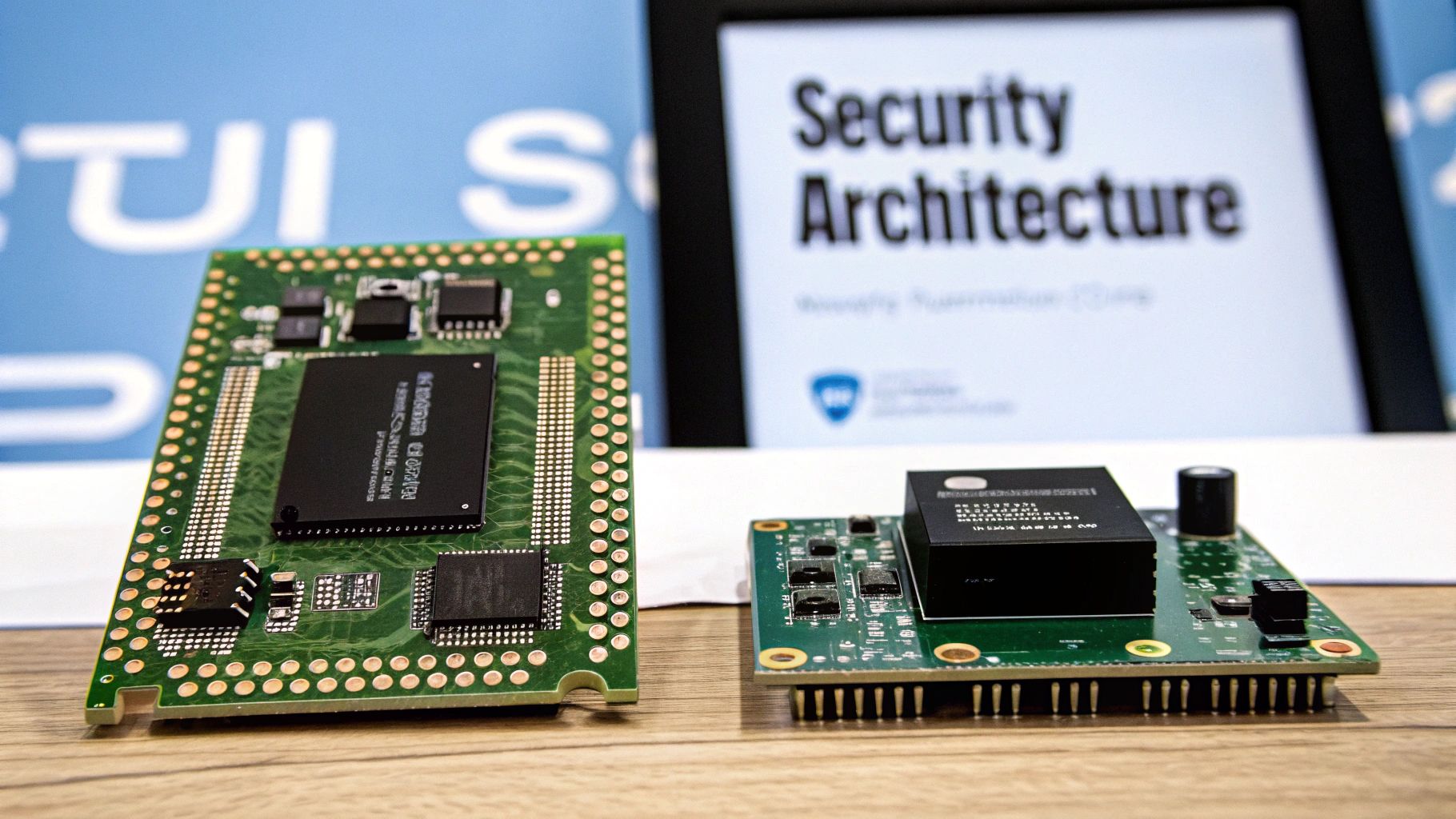
Every hardware wallet has to answer one key question: how do we store and use private keys without exposing them? Some use a dedicated secure element designed to resist physical extraction. Others use secure microcontroller approaches reinforced by firmware protections and transparency. Both approaches can be safe when implemented well—what matters is the overall design, verification flow, and your operational habits.
Key insight: Your weakest link is rarely “the chip.” It’s almost always recovery handling: seed storage, backups, and user verification habits.
| Component | Role |
|---|---|
| Secure Element / Key Vault | Hardened storage and cryptographic operations (implementation varies) |
| Controller / Firmware | User interface, transaction building, verification and signing workflow |
Backup and Recovery
Backup begins with your seed phrase—usually 12 to 24 words. A passphrase can add a powerful extra layer and even enable “hidden wallets.” Advanced setups include multisig (multiple signers) and split-backup schemes designed to reduce single points of failure.
- Single-sig recovery: restore with your seed phrase in any compatible wallet.
- Multisig: spread signing authority across multiple devices/participants.
- Split backups: reduce the risk of one lost backup wiping you out.
For a deeper dive into the basics, read our article What Is a Hardware Wallet.
Transaction Signing
Signing on a hardware wallet means the critical details appear on the device’s own screen. That on-device check is your strongest defense against phishing, injected malware, and “clipboard swap” tricks.
- Verify the destination address on-device (not just on your computer).
- Confirm the amount and fee so nothing surprises you.
- For smart contracts, review clear signing prompts whenever possible (avoid “blind signing”).
Always verify each detail on-device before approving. That screen is your last line of defense.
Profiles and Feature Comparison of Leading Wallets
Picking the right hardware wallet means balancing security, coin support, and everyday ease of use. Here are quick profiles of commonly discussed options—each with a different philosophy.
- Ledger Nano series is popular for wide asset support and a mature app ecosystem, with a strong focus on secure hardware and mainstream usability.
- Trezor models are widely associated with transparency and an open-source mindset, favored by users who value verifiability.
- KeepKey is a value-oriented option that focuses on straightforward core custody features.
- BitBox02 is often recommended for clean UX and beginner-friendly onboarding, with a minimalist approach.
- Coldcard is a Bitcoin-centric option known for workflows favored by Bitcoin power users (especially for advanced setups).
- Cypherock X1 is notable for its backup-resilience approach, aiming to reduce seed-loss single-point-of-failure risk.
Feature Comparison (Quick Matrix)
Use this matrix as a fast filter. Always confirm current coin support, firmware policies, and backup options on each brand’s official documentation before buying.
| Wallet | Security Approach | Typical Connectivity | Backup Method | Best For |
|---|---|---|---|---|
| Ledger Nano (S/X) | Hardened key storage + mature ecosystem | USB (and Bluetooth on some models) | Seed phrase (+ optional passphrase) | Active multi-chain users |
| Trezor (Model T/One) | Transparency-first design philosophy | USB | Seed phrase (+ optional passphrase) | Security purists |
| KeepKey | Core custody fundamentals | USB | Seed phrase | Budget custody |
| BitBox02 | Minimalist UX + strong defaults | USB-C | Seed phrase / device-specific backup options | Beginners who want simplicity |
| Coldcard | Bitcoin-focused workflows | Often microSD/USB workflows | Seed phrase (+ advanced setups) | Bitcoin power users |
| Cypherock X1 | Backup-resilient approach (reduces single point of failure) | Varies by workflow | Multi-component recovery design | Long-term holders & risk reducers |
Backup and recovery workflows vary massively—from simple seed phrases to multisig or split-backup designs—so choose a workflow you’ll execute correctly under stress.
Security Architectures and Attack Surface (What Actually Matters)
When comparing wallets, focus on practical risk reduction:
- On-device verification (clear display + confirmation flow)
- Firmware authenticity checks (secure boot / signed updates)
- Backup resilience (avoid a single backup that can be lost, stolen, or destroyed)
- Your own habits (phishing resistance, careful address checks, test transactions)
Most disasters come from compromised recovery data or rushed approvals—not from “someone hacking the device.” Build your setup around preventing those two failures.
Usage Scenarios and Selection Framework
Choosing a hardware wallet isn’t one-size-fits-all. Your trading frequency, portfolio mix, and risk tolerance should dictate the decision.
| Scenario | Recommended Direction | Key Considerations |
|---|---|---|
| Beginner setup | Simple UX wallet | Clear onboarding, easy restore test |
| Active trading / DeFi | Ecosystem + fast confirmations | Integrations, clear signing, daily usability |
| Long-term holding | Backup resilience + calm workflow | Seed storage, redundancy, low-touch security |
| High value / shared control | Multisig strategy | Separation of duties, multiple signers, governance |
If your biggest fear is “I lose my seed phrase and it’s game over,” prioritize designs and workflows that reduce single points of failure. That’s the category where Cypherock X1 is most relevant—because its value proposition is backup-resilience.
FAQ
Hardware wallets keep private keys tucked away in hardened hardware, so your credentials never live inside a browser, extension, or cloud file. That’s why they’re widely considered the safest mainstream option for serious self-custody.
- Hardware isolation blocks most remote malware threats.
- On-device verification helps prevent phishing and address-swap attacks.
- Recovery planning (seed, passphrase, redundancy) determines whether you survive accidents.
- Habits (test transfers, careful approvals) prevent irreversible mistakes.
Seed Phrase vs Passphrase
Keep your seed phrase offline. Treat your passphrase like a second lock. Don’t store both together.
A seed phrase rebuilds your wallet keys. A passphrase adds an extra layer that can create separate “hidden” wallets. Used correctly, passphrases are one of the strongest protections against both theft and coerced access.
Get help with lost or locked wallets from Wallet Recovery AI
Leave a Reply