
Choosing the best Bitcoin wallet is the most critical decision you'll make after acquiring your first BTC. It's not just about storage; it's about control, security, and accessibility. A wallet is your personal vault, and the right one depends entirely on your specific needs. Are you a long-term hodler seeking maximum security, a frequent trader needing quick access, or a privacy advocate looking to minimize your digital footprint?
This guide moves beyond generic advice to provide a clear, use-case-driven breakdown of the top platforms and devices. We cut through the marketing noise to help you find the perfect fit, whether you're securing a small amount of crypto for the first time or managing a significant portfolio. Each option presented includes practical insights, direct links, and screenshots to simplify your decision-making process.
We will explore the specific security trade-offs, recovery mechanisms, and practical features of each wallet type. This includes:
- Hardware Wallets: For ultimate cold storage security (Ledger, Trezor).
- Software Wallets: For everyday use and flexibility (Electrum, Coinbase Wallet).
- Mobile-First Solutions: For on-the-go transactions (Blockstream App).
By the end of this roundup, you will understand the distinct advantages of each option and be equipped to choose the wallet that best aligns with your investment strategy and security posture. We provide actionable steps to help you confidently take full self-custody of your Bitcoin, moving from simply buying it on an exchange to truly owning it.
1. Bitcoin.org – Choose your wallet
Instead of starting with a specific product, our top spot goes to an invaluable educational resource: Bitcoin.org's wallet selector. This community-driven tool doesn't endorse a single "best bitcoin wallet" but instead empowers you to find the one that perfectly aligns with your technical skill, security needs, and intended use. It acts as a neutral, unbiased starting point in a market often filled with paid promotions and affiliate marketing.
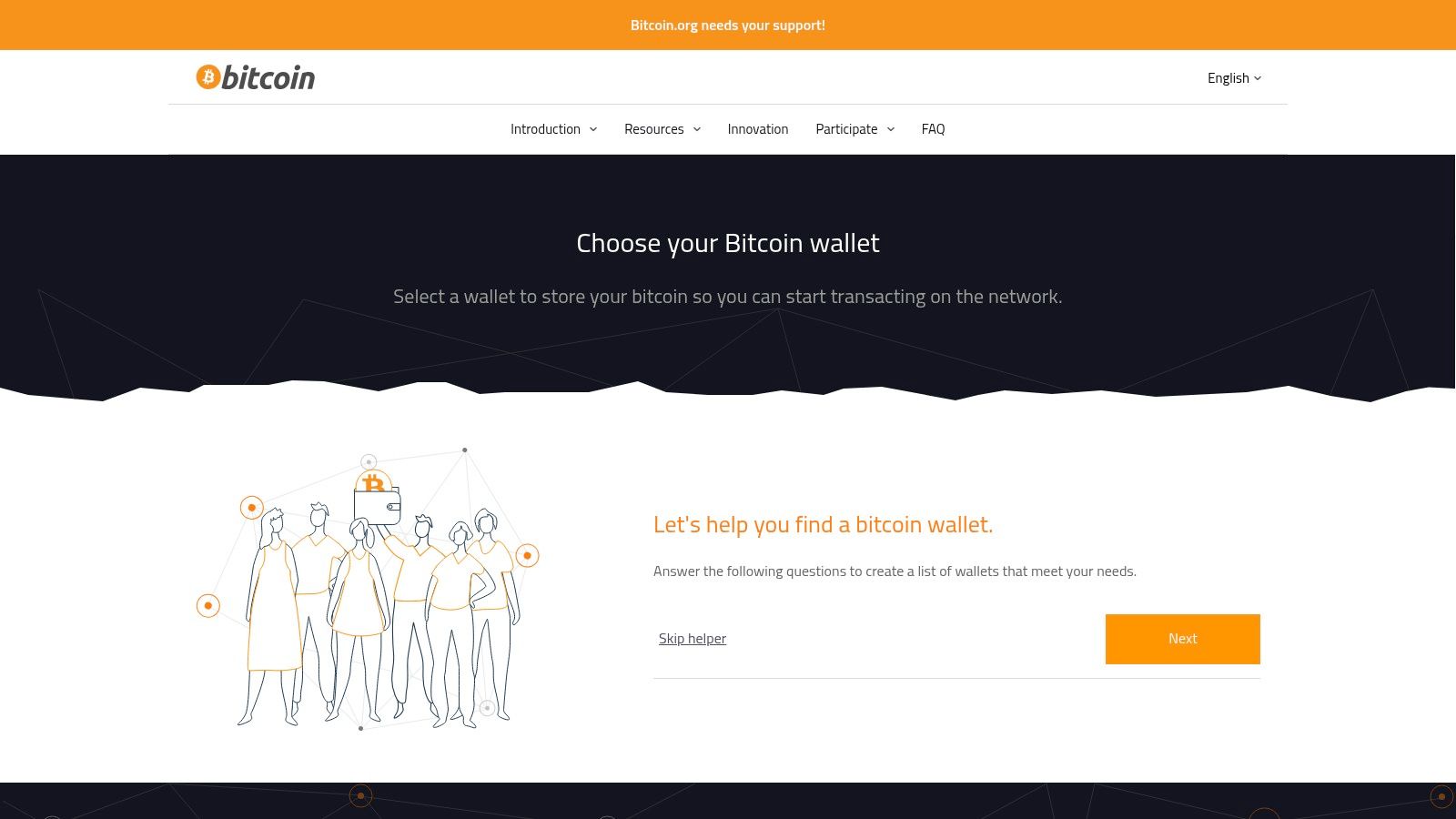
The platform is free to use and requires no account. Its core strength lies in its interactive filtering system, which demystifies the complex world of wallet trade-offs. By guiding you through a series of simple questions, it helps you understand the critical differences between various wallet types and narrows down the options to a manageable list.
How to Use the Bitcoin.org Wallet Selector
Using the tool is straightforward. You start by answering four key questions on the main page:
- What's your operating system? (e.g., Android, iOS, Linux, macOS, Windows)
- How much do you know about Bitcoin? (Newbie or Experienced)
- What criteria are important to you? (Control, Validation, Privacy, Fees, etc.)
- Are you looking for any specific features? (2FA, Bech32, Lightning, Multisig, etc.)
Based on your answers, the website generates a curated list of wallets that meet your criteria, complete with links to their official websites. This process is crucial because it forces you to consider factors you might have otherwise overlooked, such as whether a wallet offers full validation (running your own node) or relies on a third party.
Key Features and Benefits
- Vendor-Agnostic Approach: The listings are not sponsored, providing a more objective view compared to commercially driven review sites. This helps you avoid biased recommendations and focus on genuine features.
- Educational Focus: The platform clearly explains the trade-offs associated with different wallet characteristics, such as the relationship between user control and convenience. This is essential for new users learning to navigate the responsibilities of self-custody.
- Comprehensive Coverage: It includes a wide range of well-vetted wallets across all major categories: hardware, desktop, mobile, and web.
The primary downside is that Bitcoin.org is not a store or a direct provider. It simply links out to the official wallet developers, so you must complete your download or purchase on a separate site. It also avoids providing subjective user ratings, focusing instead on objective features.
Website: https://bitcoin.org/en/choose-your-wallet
2. Ledger (official store)
For those prioritizing top-tier security for their digital assets, a hardware wallet is non-negotiable, and Ledger is one of the most recognized names in the industry. The official Ledger store is the most secure place to purchase their devices, as it eliminates the risk of supply chain attacks where a malicious third party could tamper with the hardware before it reaches you. This makes it a critical destination for anyone serious about finding the best bitcoin wallet for long-term, secure storage.
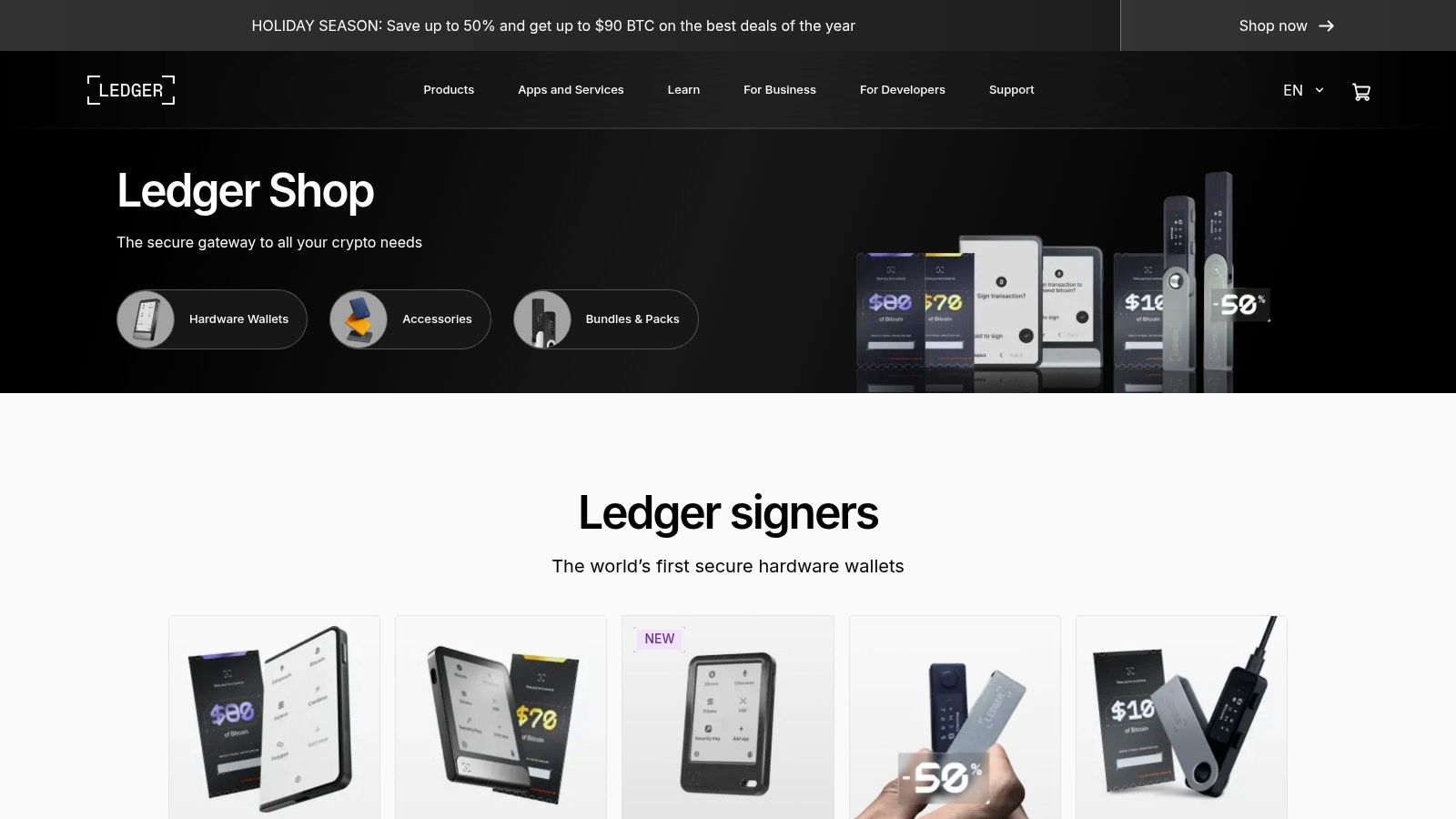
Ledger's product lineup is designed to cater to a range of users, from beginners to advanced crypto enthusiasts. Their devices work by keeping your private keys offline on a secure chip, completely isolated from your internet-connected computer or smartphone. This physical separation is the core of its security model, ensuring that even if your primary device is compromised by malware, your Bitcoin remains safe. Learn more about how these devices work by reading our guide on what a hardware wallet is.
How the Ledger Store and Ecosystem Work
The purchasing process on the official Ledger store is straightforward. You select your desired model, complete the checkout, and the device is shipped directly from their warehouse. Once it arrives, you set it up using the companion Ledger Live software.
- Choose a Device: The store features the popular Nano series (like the Nano S Plus and Nano X) for everyday users and premium models like the Stax for advanced functionality.
- Set Up Securely: Upon receiving your device, you'll initialize it by generating a new 24-word recovery phrase. This phrase is your only backup and must be stored securely offline.
- Manage with Ledger Live: The Ledger Live application (available for desktop and mobile) serves as your secure interface. You use it to install apps for different cryptocurrencies, check balances, and initiate transactions, which are then confirmed on the physical device.
This combination of a secure physical device and a user-friendly software interface makes managing self-custody much more accessible for the average user.
Key Features and Benefits
- Direct-from-Manufacturer Security: Buying from the official store is the safest way to acquire a Ledger, guaranteeing it hasn't been tampered with and includes a manufacturer's warranty.
- Broad Asset Support: Through Ledger Live and third-party integrations, Ledger devices support Bitcoin and thousands of other cryptocurrencies, making it a versatile long-term solution.
- User-Friendly Ecosystem: The Ledger Live software simplifies the complexities of managing crypto, providing a clear and intuitive dashboard for your entire portfolio.
The primary drawback is the cost, as hardware wallets are an investment. Premium models like the Ledger Stax can be expensive, and even entry-level devices represent an upfront cost compared to free software wallets. Additionally, some advanced features and the initial setup process can have a slight learning curve for absolute beginners.
Website: https://shop.ledger.com/
3. Trezor (official shop)
As the original pioneer of hardware wallets, Trezor.io is the official and most secure source for purchasing one of the industry's most trusted cold storage devices. Buying directly from the manufacturer guarantees authenticity and ensures the device has not been tampered with during shipping or by a third-party reseller. This direct-to-consumer model is a cornerstone of Trezor's security philosophy, giving users peace of mind from the very first step.
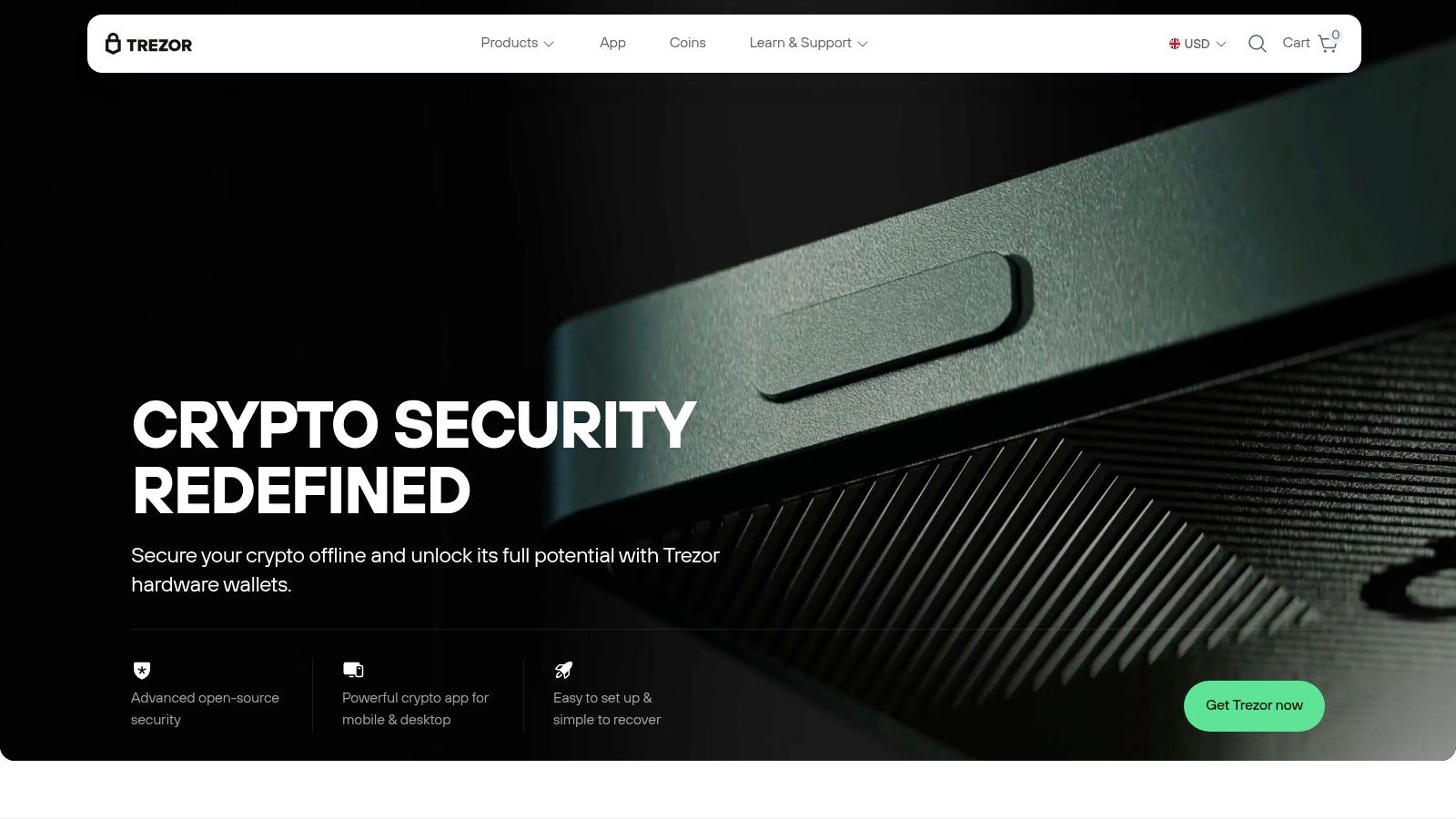
The website is not just a storefront; it's the gateway to the Trezor ecosystem. Here, you can purchase hardware wallets like the beginner-friendly Trezor Safe 3 or the advanced, touchscreen-equipped Trezor Model T. The site also provides access to the Trezor Suite application, a comprehensive desktop and mobile app used to set up your device, manage your Bitcoin, and interact with your assets securely.
How to Buy and Set Up a Trezor Wallet
Purchasing from Trezor.io is a straightforward e-commerce experience, but with a critical security focus. The process involves:
- Select Your Model: Choose between the Trezor Safe 3 (ideal for most users), the Trezor Model T (for advanced users wanting a touchscreen), or the original Trezor Model One (a budget-friendly option).
- Place Your Order: Complete the purchase using various payment methods, including credit card and even Bitcoin. The device arrives in a tamper-evident holographic package.
- Verify and Set Up: Once your device arrives, you use the official website to download the Trezor Suite. This software guides you through verifying the device's authenticity, installing the latest firmware, and generating your unique 12-word recovery seed. This seed is your only backup and must be stored offline securely.
This guided setup process is crucial, as it ensures you are using genuine software and that your private keys are generated and stored entirely offline on the hardware device itself.
Key Features and Benefits
- Guaranteed Authenticity: Purchasing directly from Trezor.io eliminates the risk of receiving a compromised or counterfeit device from an unauthorized reseller.
- Open-Source Philosophy: Both the hardware design and firmware for Trezor devices are open-source. This transparency allows security experts worldwide to audit the code, ensuring there are no hidden backdoors or vulnerabilities.
- Ecosystem Integration: The Trezor Suite app provides a clean interface for managing your Bitcoin, but Trezor devices are also compatible with dozens of third-party software wallets like Electrum and Specter for more advanced use cases.
- Official Amazon Storefront: For U.S. customers seeking faster delivery, Trezor maintains an official Amazon store. This offers a convenient alternative while still providing a high degree of trust.
The primary consideration is that hardware wallets involve a one-time cost, with prices varying by model. While the Trezor Suite is intuitive for basic transactions, accessing more advanced features like setting up a multisignature wallet or connecting to your own full node has a steeper learning curve compared to simpler software wallets.
Website: https://trezor.io/
4. Amazon (U.S.)
While not a wallet itself, Amazon’s U.S. marketplace is a crucial and often overlooked part of securing the best bitcoin wallet, specifically for hardware devices. It serves as one of the most accessible and convenient channels for purchasing top-tier hardware wallets like Ledger and Trezor. The platform’s robust logistics, competitive pricing, and familiar user interface make it an excellent starting point for users who prioritize speed and reliability.
However, purchasing a hardware wallet from a third-party marketplace requires extreme caution. The primary advantage of using Amazon is its official brand storefronts, which allow you to buy directly from manufacturers like Ledger or Trezor while still benefiting from Amazon's Prime fulfillment and customer-friendly return policies. This hybrid approach gives you manufacturer-direct confidence with the convenience of a major retailer.
How to Safely Purchase a Hardware Wallet on Amazon
To mitigate risks, you must ensure you are buying from the correct seller. A common scam involves third parties selling pre-configured or tampered-with devices.
- Navigate to the Official Storefront: Do not simply search for "Ledger wallet" and click the first result. Instead, find and purchase directly from the official "Ledger Store" or "Trezor Store" on Amazon.
- Check the "Sold By" Information: On the product page, verify that the item is "Sold by" the official company (e.g., "Ledger Official") and "Fulfilled by Amazon."
- Inspect the Packaging Upon Arrival: Never use a hardware wallet that arrives with the packaging tampered with or the recovery seed phrase already filled out. The device should be sealed and pristine.
This diligence is essential because it prevents you from acquiring a compromised device that could lead to the immediate theft of your funds.
Key Features and Benefits
- Fast U.S. Fulfillment and Easy Returns: Amazon Prime offers rapid delivery across the U.S., which is often much faster than ordering directly from European-based manufacturers. The straightforward return process provides a safety net if there are any issues.
- Official Brand Storefronts: Buying from official stores on Amazon (when available) combines the security of a direct purchase with the convenience of Amazon’s ecosystem.
- Competitive Pricing and Promotions: Due to marketplace competition, hardware wallets on Amazon often feature competitive prices or are included in sales events like Prime Day.
The most significant downside is the inherent risk of third-party sellers. If you are not careful to select the official brand's store, you could unknowingly buy a counterfeit or tampered product. Always prioritize purchasing from the official storefront link to ensure you receive a genuine and secure device.
Website: https://www.amazon.com/
5. Coinbase Wallet / Coinbase Wallet web app
For users already familiar with the Coinbase exchange, the Coinbase Wallet offers a natural and streamlined transition into the world of self-custody. This software wallet, available as a mobile app and browser extension, is designed to feel intuitive for those coming from a centralized platform. It provides a non-custodial environment where you, and only you, control your private keys, making it a strong contender for the best bitcoin wallet for beginners seeking true ownership.
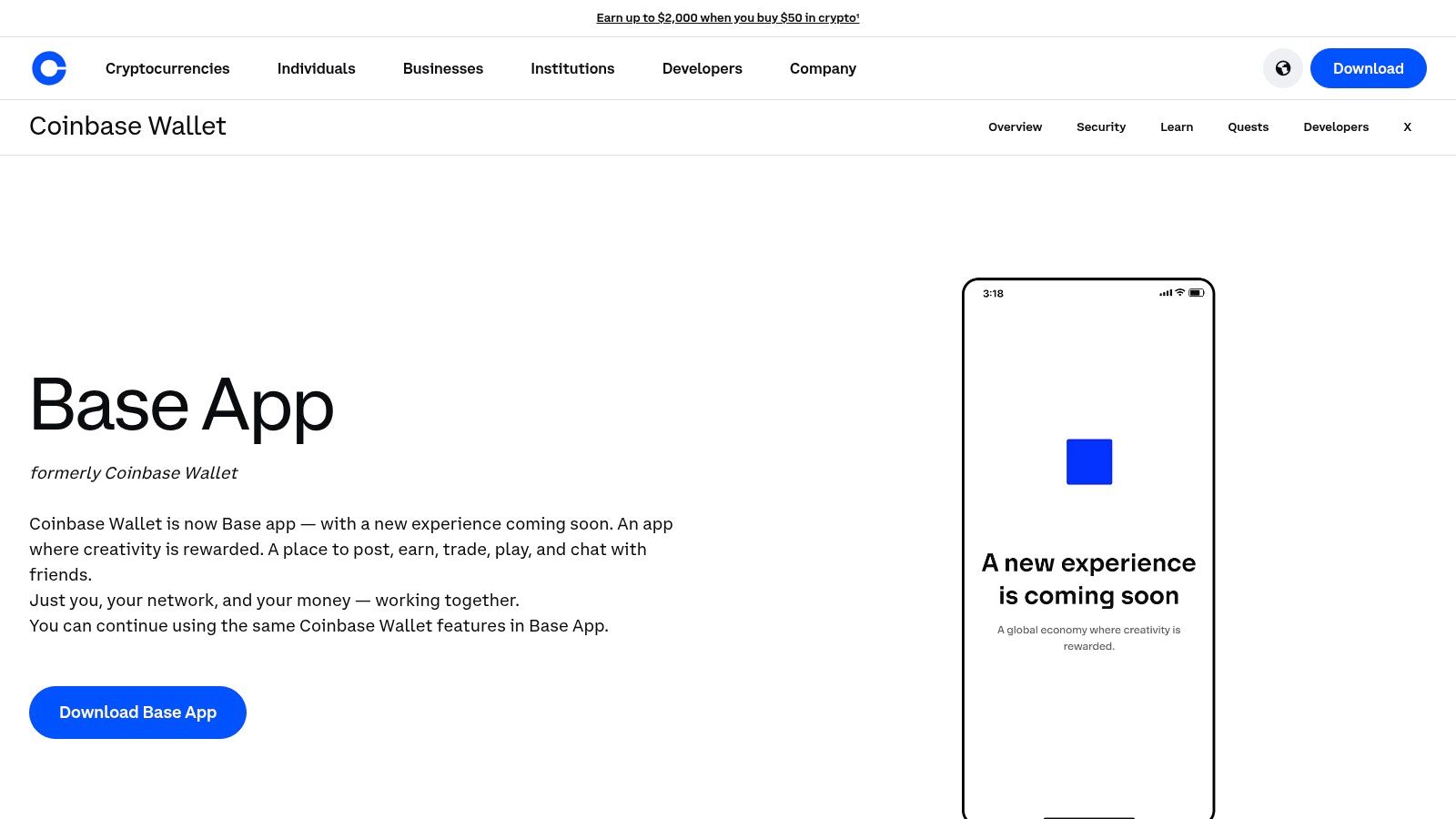
The platform is free to download and use, with standard network transaction fees applying to on-chain activity. A key differentiator is its seamless integration with the main Coinbase app, allowing users to easily transfer existing crypto assets or purchase new ones directly within the wallet using linked payment methods. This removes a significant point of friction for newcomers who might find funding a self-custody wallet intimidating.
How Coinbase Wallet Simplifies Self-Custody
Coinbase Wallet aims to simplify the often-complex user experience associated with decentralized finance (DeFi) and NFTs. The wallet provides a unified interface where you can manage your Bitcoin, Ethereum-based tokens, NFTs, and DeFi positions in one place. Its newer "smart wallet" flow further abstracts away complexities by introducing features like gasless transactions (in some cases) and simplified onboarding without the immediate need to write down a seed phrase.
The core functionalities include:
- Direct Integration: Easily link your Coinbase.com account to fund your wallet or move assets back to the exchange.
- Multi-Chain Support: While a great bitcoin wallet, it also supports a vast ecosystem of other cryptocurrencies and networks.
- Web3 Browser: An integrated dApp browser allows you to connect directly to DeFi protocols, NFT marketplaces, and other on-chain applications.
- Unified Portfolio: View your entire crypto and NFT portfolio in a clean, user-friendly dashboard.
This focus on ease of use makes it an excellent choice for those graduating from holding crypto on an exchange to taking full control of their assets.
Key Features and Benefits
- User-Friendly Onboarding: The wallet guides new users through setup, emphasizing the importance of securing their 12-word recovery phrase.
- Strong Brand Recognition: Backed by a large, publicly-traded U.S. company, it offers a sense of reliability and has a robust support footprint.
- Frequent Updates: Coinbase consistently rolls out new features and integrations, including its Wallet web app for browser-based access without an extension.
The primary drawback is that the rapid product evolution can sometimes lead to user interface changes that may confuse long-time users. Additionally, despite its user-friendly design, the responsibility of self-custody remains entirely on the user. It is crucial to manage your recovery phrase securely, as losing it means losing access to your funds. Understanding the security model of Coinbase Wallet is essential before committing significant assets.
Website: https://www.coinbase.com/wallet
6. Electrum (official site)
Electrum is a highly respected, open-source Bitcoin wallet that has been a favorite among advanced users since its release in 2011. Designed as a lightweight "thin client," it offers a rich feature set without requiring users to download the entire blockchain. It is available for desktop (Windows, macOS, Linux) and Android, focusing on speed, low resource usage, and powerful user-centric features like coin control, multisig, and hardware wallet integration.
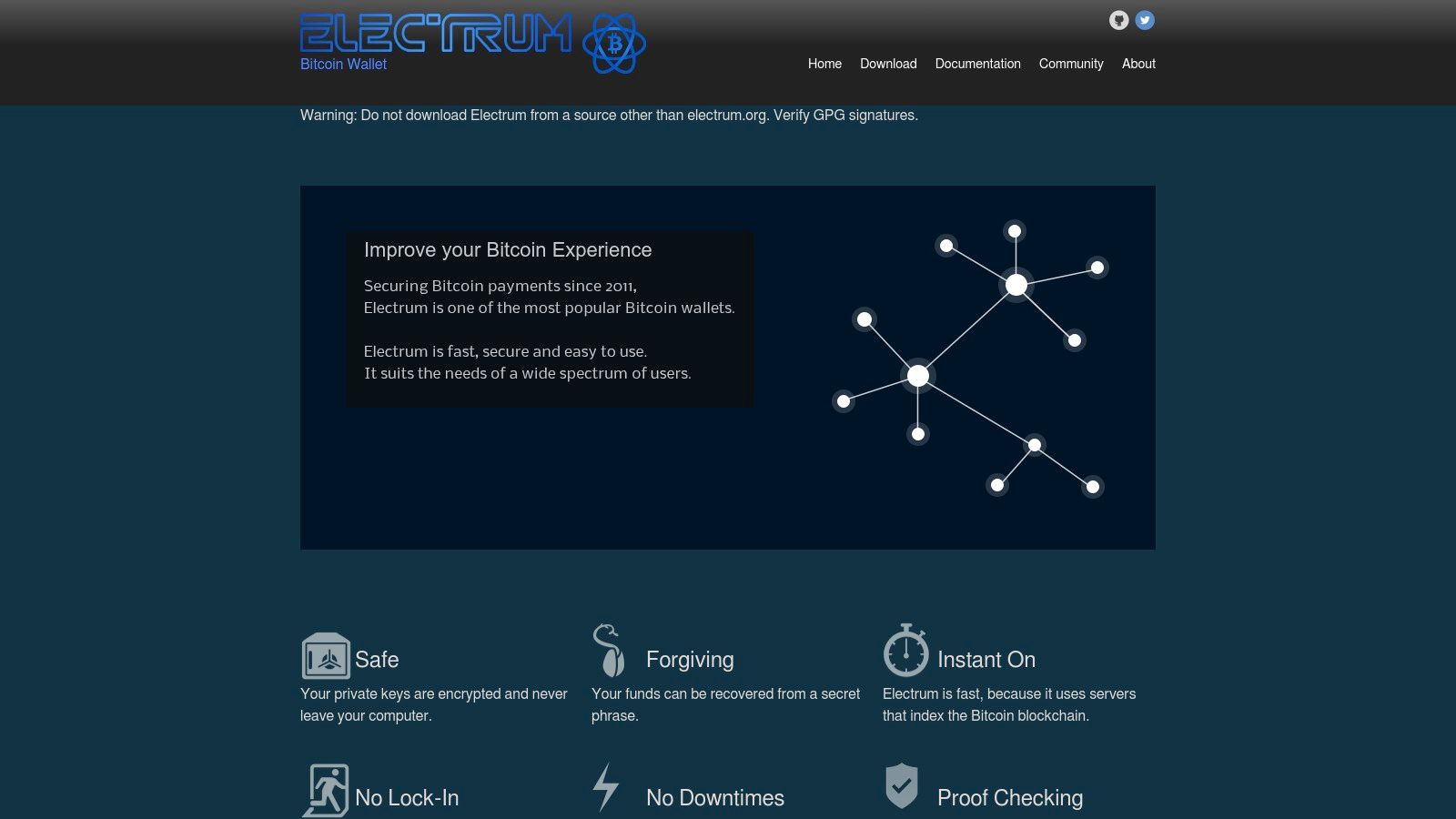
The wallet is free to download and use. Its core strength lies in its balance between advanced functionality and efficiency. By using Simple Payment Verification (SPV), it verifies transactions by querying a decentralized network of servers, ensuring both speed and security without centralization. This approach makes it one of the best Bitcoin wallet options for users who want deep control over their funds but cannot or do not wish to run a full Bitcoin node.
Key Features and User Experience
Electrum's interface is functional and information-dense, which can be intimidating for beginners but is highly valued by experienced users. It provides granular control over critical aspects of Bitcoin transactions that many other wallets abstract away.
- Coin Control: Users can manually select which Unspent Transaction Outputs (UTXOs) to use in a transaction. This feature is crucial for managing privacy and optimizing transaction fees.
- Multisignature Support: Easily create multisig wallets, requiring multiple keys to authorize a transaction, which is ideal for securing shared funds or adding an extra layer of personal security.
- Hardware Wallet Integration: Electrum seamlessly integrates with major hardware wallets like Trezor, Ledger, and Coldcard, allowing users to manage their hardware-secured funds with Electrum's advanced interface.
- Adjustable Fees: It offers precise control over transaction fees, enabling users to set custom fee rates (sat/vB) based on network congestion to either expedite a transaction or save on costs.
Security and Best Practices
- Strong Security Model: Electrum is a non-custodial wallet, meaning you control your private keys. It uses a standard 12-word seed phrase for backup and recovery.
- Verification is Critical: The biggest risk associated with Electrum is downloading a fraudulent version. Users must download the software exclusively from the official electrum.org website and verify the GPG signature to ensure its authenticity. Phishing websites frequently imitate the official site to distribute malware.
- Cold Storage: The wallet supports creating watch-only wallets and offline transaction signing, enabling advanced cold storage setups for maximum security.
While its user interface lacks the modern polish of some competitors, Electrum's unwavering focus on functionality, security, and user control makes it an essential tool for any serious Bitcoin user.
Website: https://electrum.org/
7. Blockstream App (successor to Green)
The Blockstream App, formerly known as Blockstream Green, is a powerful, open-source Bitcoin wallet designed for users who want advanced features without sacrificing security. Developed by Blockstream, a leader in Bitcoin and blockchain technology, this wallet is respected for its strong security lineage and its commitment to user sovereignty. It seamlessly integrates on-chain, Lightning Network, and Liquid Network transactions into one cohesive application.
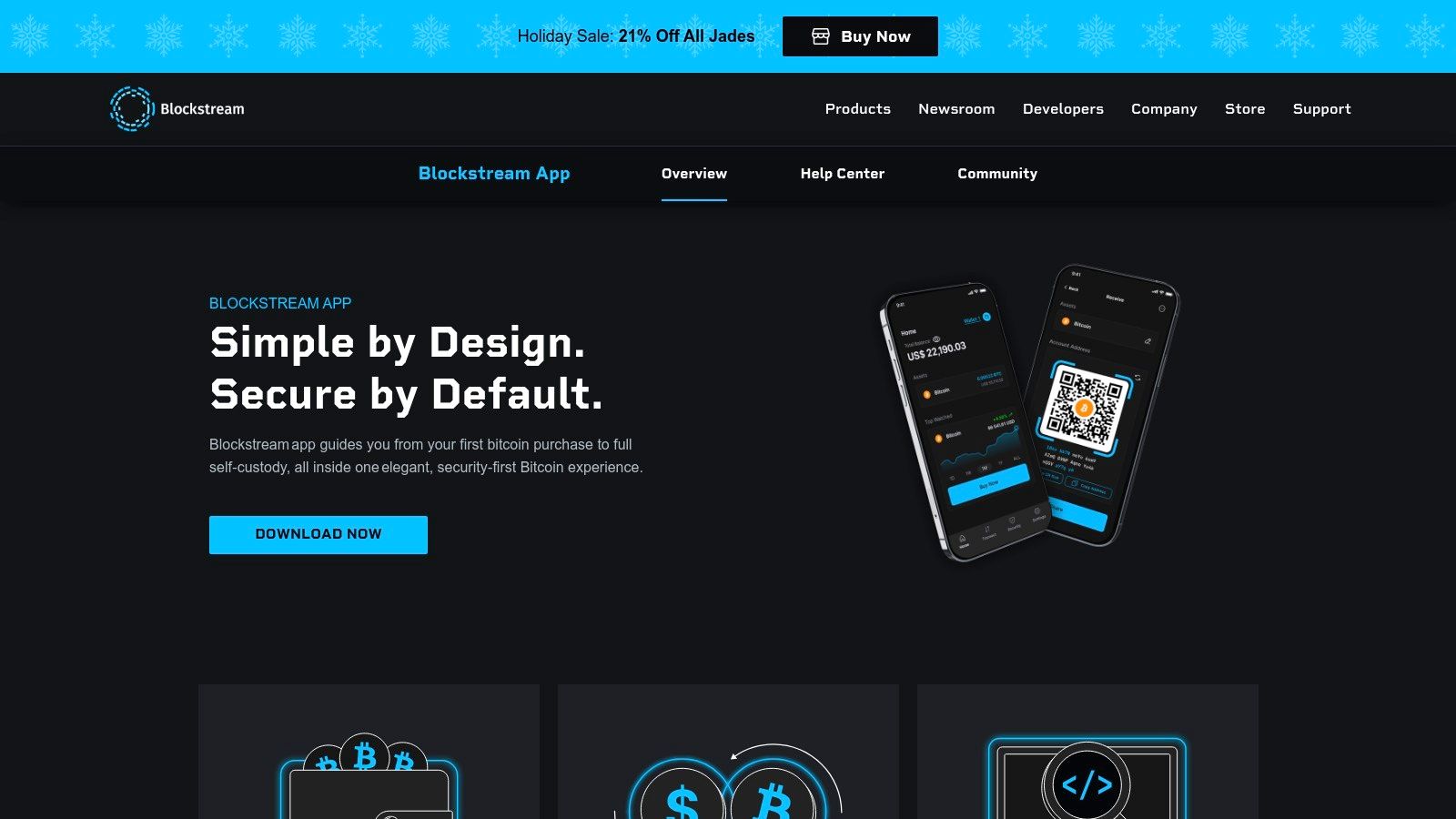
This wallet is completely free to download and use on iOS, Android, and major desktop operating systems. Its non-custodial nature means you always hold your private keys, making it a solid choice for self-custody. The app is particularly appealing to users who want to grow with Bitcoin, starting with simple transactions and graduating to more complex features like running their own node or using the Lightning Network for faster, cheaper payments.
Key Features and Benefits
The Blockstream App is more than just a place to store Bitcoin; it’s a versatile tool for interacting with the entire Bitcoin ecosystem.
- Multi-Layer Support: It is one of the few wallets that natively supports on-chain Bitcoin transactions, the Lightning Network, and the Liquid sidechain. This allows users to manage different types of assets and payment channels from a single interface.
- Advanced Security and Privacy: The app includes built-in Tor support to enhance user privacy and provides the option to connect to your personal Bitcoin full node (like a Umbrel or RaspiBlitz). This gives you maximum control over transaction validation and privacy.
- Hardware Wallet Integration: It is designed to work perfectly with the Blockstream Jade hardware wallet, offering an easy path to upgrade from a mobile hot wallet to a secure cold storage solution.
- Open Source and Transparent: As an open-source project, its code is available for public review. This transparency builds trust and allows the community to verify the software’s security and integrity, making it a reliable option for anyone searching for the best bitcoin wallet with a proven track record.
While the recent rebranding from Green to the Blockstream App caused some initial user confusion and occasional bugs, the platform's active development continues to add features and refine the user experience. The inclusion of Lightning and Liquid can add a layer of complexity for absolute beginners, but its guided setup makes it accessible for those willing to learn.
Website: https://blockstream.com/app/
Top 7 Bitcoin Wallets Comparison
| Item | Complexity 🔄 | Resource requirements ⚡ | Expected outcomes ⭐ / 📊 | Ideal use cases 💡 | Key advantages |
|---|---|---|---|---|---|
| Bitcoin.org – Choose your wallet | Low — simple browsing & filters | Minimal — web access, no account | Clear, vendor‑agnostic guidance for shortlist ⭐📊 | Researching wallets and trade‑offs before purchase | Educational, unbiased, regularly updated |
| Ledger (official store) | Medium — purchase + device setup | Hardware cost, Ledger Live app, learning curve | Strong security/warranty when bought new ⭐📊 | Buying official hardware and mainstream support | Direct authenticity, warranty, broad coin support |
| Trezor (official shop) | Medium — purchase + Trezor Suite setup | Hardware cost, Suite app, verify firmware | Transparent security model and reputable devices ⭐📊 | Users who prefer open‑source firmware and auditability | Open‑source firmware, strong reputation, Amazon option |
| Amazon (U.S.) | Low — marketplace checkout | Account/Prime optional; verify seller authenticity | Fast fulfillment and competitive pricing but variable trust ⚡📊 | Fast delivery, accessories, price‑sensitive buyers | Fast shipping, easy returns, frequent promos |
| Coinbase Wallet / Wallet web app | Low–Medium — guided onboarding | App/web access, manage recovery methods | Convenient self‑custody with Coinbase integrations ⭐📊 | Coinbase users wanting integrated on‑ramps & portfolio views | Easy onboarding, fiat on‑ramp, frequent updates |
| Electrum (official site) | High — advanced setup and care | Desktop/Android, signature verification, time to learn | Granular UTXO control, multisig, strong privacy ⭐📊 | Power users needing coin control, multisig, hardware integration | Feature‑rich, open‑source, excellent fee/privacy tools |
| Blockstream App (successor to Green) | Medium — multi‑feature wallet (on‑chain + Lightning) | Mobile/desktop, optional node or Jade hardware | Versatile self‑custody with Lightning/Liquid support ⭐📊 | Users wanting Lightning, node‑connectivity, and open source | Tor support, node integration, Jade hardware support |
Final Thoughts: When to Seek Expert Help for Wallet Recovery
Navigating the world of cryptocurrency begins with a single, critical decision: choosing the best bitcoin wallet for your needs. Throughout this guide, we've explored a diverse landscape of options, from the uncompromising security of hardware wallets like Ledger and Trezor to the user-friendly accessibility of mobile solutions like Blockstream and Coinbase Wallet. We've also delved into the robust, feature-rich environment of desktop clients like Electrum, underscoring that the "best" wallet is not a one-size-fits-all solution but a deeply personal choice tied to your technical comfort, security priorities, and investment strategy.
The core takeaway is that your Bitcoin wallet is more than just software; it is the master key to your digital sovereignty. The responsibility for securing your seed phrase, managing your passwords, and understanding your wallet's backup mechanisms rests entirely with you. As we've seen, each wallet type presents a different trade-off between convenience and control.
Recapping Your Wallet Selection Journey
Let's distill the primary considerations to guide your final decision:
- For Maximum Security and Long-Term Holding: Hardware wallets like Ledger and Trezor are the undisputed champions. They keep your private keys completely offline, making them immune to online threats. If you are serious about protecting a significant amount of Bitcoin, a hardware wallet is not optional; it is essential.
- For Everyday Transactions and Accessibility: Mobile wallets such as Blockstream and Coinbase Wallet offer a superb balance of functionality and convenience. They are ideal for spending small amounts of Bitcoin or managing assets on the go, integrating seamlessly with web3 applications and exchanges.
- For Advanced Users Seeking Control and Privacy: A desktop wallet like Electrum provides unparalleled control over transaction fees, node connections, and advanced features like multi-signature setups. It is the preferred choice for those who want to fine-tune every aspect of their Bitcoin interactions.
No matter which path you choose, the principles of security remain constant: back up your seed phrase offline, never share it with anyone, and use a strong, unique password for any encrypted file or application.
The Unspoken Risk: When Self-Custody Goes Wrong
Even the most diligent Bitcoin holder can face a crisis. A forgotten password for an encrypted Electrum wallet.dat file, a damaged hardware device without a seed phrase backup, or a corrupted file can lock you out of your own funds. This is the double-edged sword of self-custody: ultimate control comes with ultimate responsibility.
When faced with such a situation, panic can lead to costly mistakes. Repeatedly entering incorrect passwords or running untrusted recovery scripts can permanently corrupt your wallet file, turning a recoverable situation into an irreversible loss. It is crucial to recognize the moment when DIY attempts are more likely to cause harm than good.
This is precisely when professional intervention becomes necessary. Complex recovery scenarios often involve sophisticated cryptographic challenges that are beyond the scope of standard troubleshooting. These can include:
- Brute-forcing encrypted wallet files with partial password information.
- Repairing corrupted wallet data structures.
- Navigating complex multi-signature or legacy wallet formats.
Attempting these tasks without specialized knowledge is akin to performing surgery without a medical degree. The risk of permanent data loss is extremely high. Acknowledging your limits and seeking expert assistance is not a sign of failure; it is a strategic decision to protect your assets. The investment in a professional recovery service can be the difference between losing everything and reclaiming what is rightfully yours.
Have you lost access to your funds due to a forgotten password or a corrupted wallet? Before you give up, let the experts at Wallet Recovery AI apply their advanced, AI-powered techniques to securely and confidentially retrieve your assets. Find out if your wallet is recoverable by visiting Wallet Recovery AI today.
Leave a Reply