Comparing Top Hardware Wallets
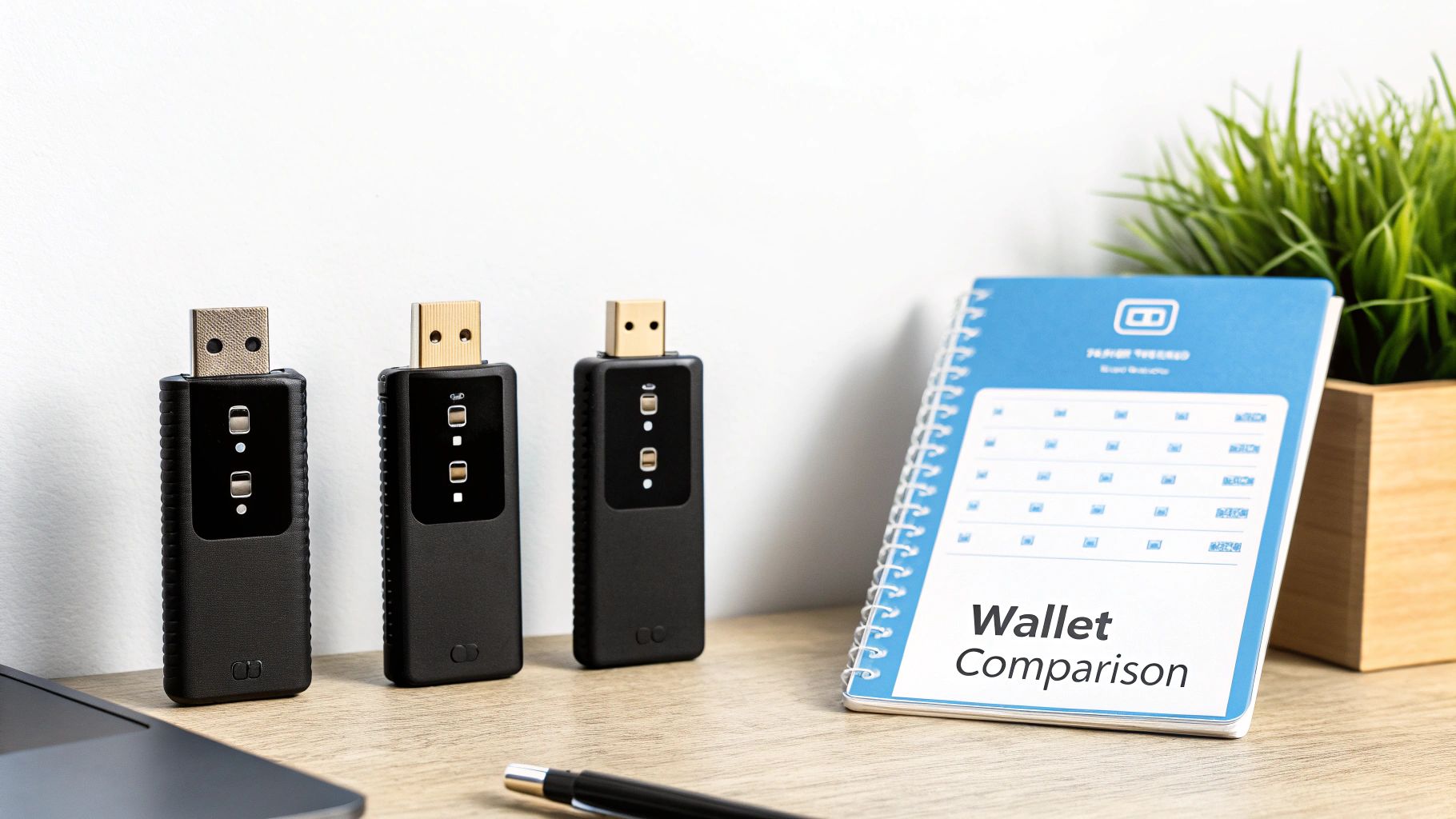
Finding the right hardware wallet means weighing security, usability, coin support, and budget in one place. Devices like Ledger, Trezor, and KeepKey lead on robust protection, while entry-level options such as the BitBox02 make cryptocurrency safe for first-timers. This quick overview helps you zero in on a wallet that fits your workflow without paying for features you don’t need.

- Security-Focused wallets lean on a certified secure element to lock down private keys.
- Beginner-Friendly devices guide you through setup with straightforward prompts.
- Broad Asset Support covers over 100 coins via native apps and integrations.
- Value-Oriented models deliver essential protection at a lower entry price point.
Matching features to real-world needs helps you avoid overspending on unnecessary layers of protection.
Below is a snapshot of top picks based on common scenarios. Use this as your starting point before diving into deeper analysis.
Top Hardware Wallet Picks by Scenario
| Scenario | Best Wallet | Key Benefit | Ideal User |
|---|---|---|---|
| Enterprise Security | Ledger Nano X | EAL6+ secure element | Power users & pros |
| Beginner Setup | BitBox02 | Guided on-boarding | Crypto newcomers |
| Versatile Asset | Trezor Model T | Extensive token support | Altcoin traders |
| Budget Pick | KeepKey | Affordable entry | Casual investors |
Use this table to match your priorities quickly. Next, we’ll unpack each category in detail so you can choose with confidence.
Security Tier Features
Not all wallets treat private keys the same way. Some rely on a high-assurance secure element, certified to resist physical tampering. Others use microcontrollers reinforced by firmware integrity checks. Pick based on your threat model—do you need military-grade defenses or would software-based validation suffice?
Ease Of Use Considerations
Your daily habit matters. A touchscreen interface, like on the Trezor Model T, spells out each step in plain language. Button-only devices trade a bit of convenience for a lower price tag. Think about whether you prefer simple menus or if you’re comfortable navigating with a pair of buttons.
Coin Support And Integrations
What you hold changes everything. Ethereum enthusiasts will look for full ERC-20 and smart contract signing. Bitcoin power users often want native SegWit, multisig setups, or Lightning Network support. Make sure your wallet’s app ecosystem aligns with your portfolio mix.
Budget And Value
Prices span from about $20 up to $200+. Don’t just chase the cheapest option—consider how often firmware gets updated, whether the code is open source, and how responsive customer support is. In many cases, spending a bit more up front can save you headaches down the road.
With this overview in hand, you’re ready to dive into the nitty-gritty of architecture, recovery workflows, and real-world testing scenarios. Choose wisely and secure your assets for the long haul.
Understanding Hardware Wallets
Hardware wallets create an isolated zone for your private keys, sealing them inside a tamper-resistant device that never touches the internet. By staying air-gapped, they block remote intrusions and malware from siphoning off your credentials.

Unlocking your funds always passes through a seed phrase—and often an additional passphrase layer if you choose. And when you really want to boost security, a multisig setup demands multiple approvals before any transaction moves.
- Secure Element: isolates cryptographic secrets in a certified chip
- Firmware Integrity: performs authenticity checks on device code before every operation
- Transaction Signing: locks transaction details inside the device for manual approval
- Backup Mechanisms: combines seed phrases and optional passphrases for reliable recovery
Secure Architecture
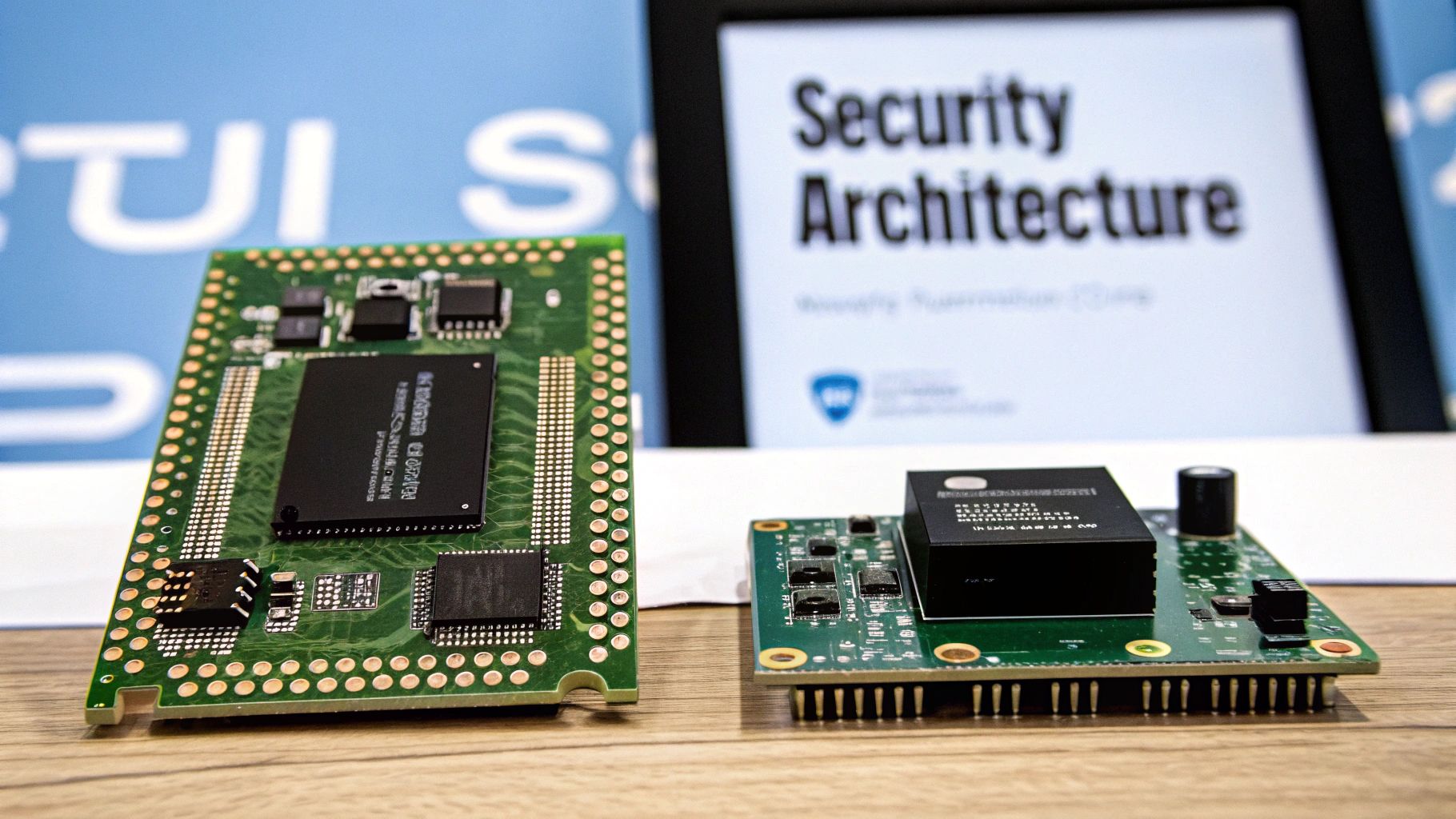
Every hardware wallet hinges on a secure element or dedicated microcontroller. For example, Ledger Nano X and Trezor Model T rely on an EAL6+-certified chip to fend off tampering.
That chip handles PIN verification, retry counters and seed storage. Meanwhile, a separate controller runs signing algorithms and manages the user interface, minimizing risks from firmware attacks through supply-chain safeguards and regular integrity checks.
Key Insight Secure elements dramatically reduce physical attack vectors by isolating secrets.
| Component | Role |
|---|---|
| Secure Element | Stores private keys with tamper checks |
| Microcontroller | Executes firmware and signing routines |
Backup And Recovery
Backup always begins with your seed phrase—usually 12 to 24 words long. Adding a hidden passphrase can even turn a compromised phrase into a duress wallet.
- Single-Sig Recovery: restore with your seed phrase in any compatible wallet
- Multisig Setup: spread keys across devices or trusted participants
- Shamir Backup: divide the phrase into shares and rebuild it when you hit the threshold
For a deeper dive into the basics, read our article What Is A Hardware Wallet.
Transaction Signing
Signing a transaction on a hardware wallet means every detail appears on its screen. This hands-on approach thwarts hidden instructions and phishing attempts.
- Display Destination Address for user verification
- Show Network Fee and Gas Parameters so nothing takes you by surprise
- Reveal Calldata or function calls for advanced checks
Always verify each detail on-device to avoid hidden instructions.
Throughout this guide, we’ll revisit these building blocks—firmware, secure enclave and on-device signing. Understanding them helps you weigh each device’s usability, update practices and potential attack surface. Up next: real-world comparisons that highlight how these elements shape your hardware wallet choice.
Market Trends Driving Hardware Wallet Adoption
The hardware wallet market is on a steep upward climb, fueled by the mainstreaming of cryptocurrencies. Seasoned traders and newcomers alike are looking for ways to keep private keys completely offline.
Security breaches and phishing schemes have made air-gapped devices more than a novelty—they’re now a necessity. As a result, custody strategies are shifting toward dedicated hardware.
“The shift toward hardware keys reflects a broader focus on reducing attack surfaces,” says a leading crypto analyst.
Key Growth Drivers:
- Evolving threat models that put a premium on physical isolation
- Increasing regulatory guidance around secure key management
- A growing taste for multisig setups in enterprise environments
Regional Adoption Patterns
North America still leads in overall demand, thanks to large exchanges and deep liquidity pools. Europe follows, buoyed by strict compliance requirements and institutional capital.
Asia-Pacific, however, is the fastest mover, posting a 24% CAGR driven by booming retail trading and stronger PIN protections. Meanwhile, Latin America and Africa are emerging as self-custody hotspots.
| Region | Estimated CAGR | Market Share 2025 |
|---|---|---|
| North America | 21% | 42% |
| Europe | 20% | 30% |
| Asia-Pacific | 24% | 18% |
These numbers highlight how diverse factors—regulation, retail enthusiasm, liquidity—shape each region’s trajectory.
Hardware wallets aren’t just for individuals. Companies increasingly favor physical key stores to meet corporate governance and audit demands.
Enterprise And Hybrid Strategies
Many organizations layer multisig approvals on high-value transfers. This enforces separation of duties and cuts down on insider risks.
In practice, a hybrid approach often looks like:
- Hardware Wallets hold your vault’s master keys.
- Software Wallets offer view-only access for day-to-day operations.
- Wallet Recovery AI serves as a safety net for misplaced seeds or locked devices.
“Blending on-chain access and offline signing ensures resilience against both digital and physical threats.”
That mix not only scales with business needs but also ticks all the audit-and-compliance boxes.
Recent data underscores the momentum. The hardware wallet sector is valued at around USD 348.4 million in 2025, with forecasts hitting USD 1,527.6 million by 2032 at a 23.5% CAGR. Sales jumped 31% from 2024 to 2025, outpacing software-only solutions as institutions deepen their security postures.
Learn more about hardware wallet market projections on Coherent Market Insights.
Implications For Device Selection
Fast-paced growth means new features abound—but not all matter equally. When choosing a hardware wallet, zero in on:
- Update Cadence that tackles fresh vulnerabilities
- Transparent Firmware open to third-party audits
- Coin Support breadth with active chain integrations
Equally important is the device’s recovery plan. Pairing your wallet with a service like Wallet Recovery AI provides a reliable fallback if you forget your seed phrase or your device locks up.
Vendor backing and community involvement also affect longevity. Projects with vibrant ecosystems tend to:
- Surface security flaws more quickly
- Roll out fixes in record time
- Reinforce trust through community-driven audits
Profiles And Feature Comparison Of Leading Wallets
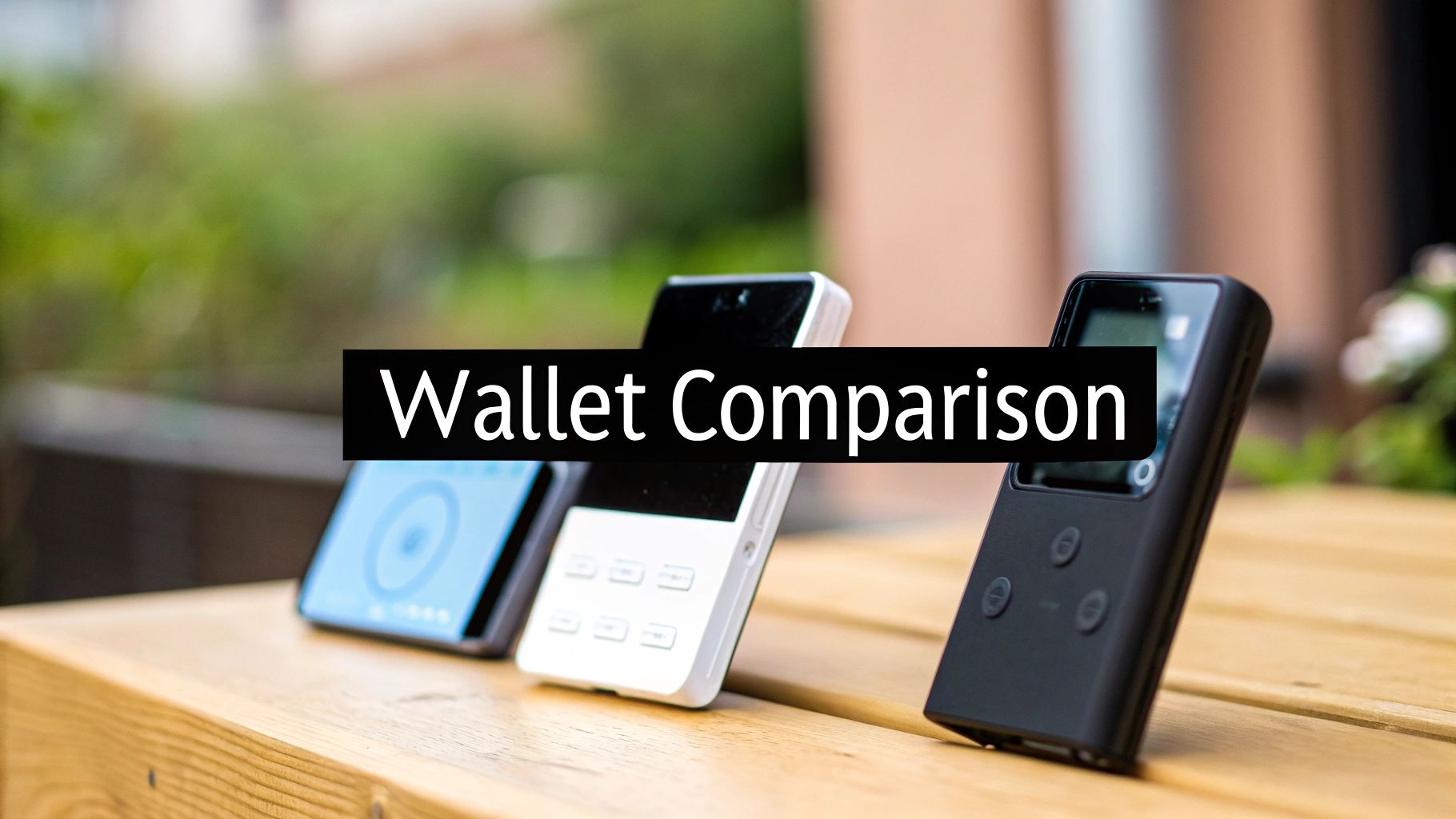
Picking the right hardware wallet means balancing security, coin support and day-to-day ease of use. Below, we lay out six standout devices, distilled into clear profiles and a feature matrix to steer you toward the model that fits your setup and threat model.
Device Profiles Summary
- Ledger Nano Series employs an EAL6+ certified secure element inside a compact shell. The Nano X adds Bluetooth, and together they handle 1500+ assets seamlessly.
- Trezor Models run on STM32 microcontrollers with open-source firmware. The Model T brings a touchscreen, while the One sticks to a button interface.
- KeepKey centers on a PIN-protected secure chip and a generous display. Native ShapeShift integration means you can swap straight from the device.
- BitBox02 opts for a dual-chip Swiss design with offline microSD backups. Its minimal footprint makes it ideal for on-the-go security.
- Coinkite Coldcard focuses exclusively on Bitcoin, using air-gapped microSD transfers and advanced PSBT multisig workflows.
- Penta Security layers in FIDO-certified hardware and physical tamper-resistance. It supports 50+ chains and aligns well with enterprise compliance needs.

That timeline above traces Ledger’s journey from its 2014 debut through to its current market-leading position.
If you map out the big five—Ledger, Trezor (Satoshi Labs), Coinkite, Shift Crypto, and Penta Security—they steer most of the market alongside smaller players.
Analysts peg this sector at USD 350 million in 2025, climbing to USD 2.55 billion by 2033 at a 28.79% CAGR (hardware wallet market statistics). Some studies highlight a 31% year-over-year jump in 2025, as security-minded users double down on cold storage.
Key Insight: Ledger’s certified secure element drives volume, but Trezor’s transparent, open-source approach still wins over hardcore enthusiasts.
Feature Comparison Of Top Hardware Wallets
Below is a side-by-side look at how each device stacks up on core attributes: security, connectivity, backup options and price. Use this matrix to zero in on the strengths you need most.
| Wallet | Security Element | Supported Coins | Connectivity | Backup Method | Price |
|---|---|---|---|---|---|
| Ledger Nano S/X | EAL6+ secure element | 1500+ assets | USB, Bluetooth (X) | 24-word seed | $59 / $119 |
| Trezor Model T / One | STM32 microcontroller | 1000+ tokens | USB | 12-24-word seed | $79 / $59 |
| KeepKey | Secure chip | 40+ coins | USB | 12-word seed | $49 |
| BitBox02 | Dual-chip design | 150 coins | USB-C | microSD + seed | $129 |
| Coinkite Coldcard | Air-gapped MCU | Bitcoin only | microSD | 12-word seed | $119 |
| Penta Security | FIDO-certified secure element | 50+ chains | USB, Bluetooth | 24-word seed | $139 |
This table highlights each wallet’s niche: broad asset libraries, open-source credibility, built-in swaps, offline backups or enterprise-grade tamper defense.
Backup and recovery processes can range from manual mnemonic entry to air-gapped microSD swaps, so factor in which workflow suits your style.
Recovery Assistance Options
- Seed Phrase Reconstruction predicts and fills in missing words from partial mnemonic fragments.
- Firmware Glitch Analysis digs into device logs and chip behavior to revive unresponsive wallets.
- Emergency Support connects you with recovery specialists around the clock for urgent cases.
- Comprehensive Coverage spans major hardware lines—Ledger, Trezor, KeepKey—and integrates many software wallets under one process.
Pairing the right hardware wallet with AI-driven recovery services means your keys remain both secure and accessible, no matter what happens.
Get started.
Security Architectures And Attack Surface Analysis

When comparing hardware wallets, one major divide lies in the chip that handles your private keys. Secure elements lock secrets inside tamper-resistant silicon, while open microcontroller designs depend on firmware checks and community audits.
Secure element models handle PIN retries, seed storage and crypto operations entirely on-chip. Microcontroller wallets, by contrast, offer transparency through open-source code but expose more avenues for side-channel probing. Still, both architectures share similar supply-chain vulnerabilities if malicious firmware sneaks in before the devices ship.
Secure elements dramatically reduce physical attack vectors by segregating secrets within dedicated chips.
| Design Type | Attack Surface Level |
|---|---|
| Secure Element | Low |
| Open Microcontroller | Medium |
Firmware And Supply Chain Verification
Verifying firmware usually starts with a random-challenge handshake and hash confirmation. Attackers sometimes use voltage glitching to override flash protections on microcontrollers. Secure elements sidestep that risk with baked-in code, though updates can roll out more slowly.
Manufacturers often trace every chip from the foundry through final assembly. Yet a doctored bootloader can lie dormant until you power on the device. That’s why signed firmware releases and independent audits remain critical.
Side Channel Leak Analysis
Extracting keys through power or electromagnetic emissions isn’t just hypothetical. Many secure element wallets include metal shielding or noise generators to camouflage those signals. Microcontroller-only designs without these defenses stay vulnerable to fault induction and differential power analysis.
In controlled lab tests, a single glitch attack on a flawed bootloader exposed an entire seed on some microcontroller wallets. Dual-chip setups defeat this by letting a hardened element guard secrets while a monitored MCU handles the user interface and transaction flow.
Transaction Verification And Phishing Resistance
When you initiate a transfer, check the address, fee and data payload right on the wallet’s display. Confirm each detail against your desktop or mobile app—this step is your best defense against phishing or injected malware. Protocols like EIP-712 embed clear domain and type information for off-chain approvals.
- Never approve transactions without on-device review
- Compare values line by line between host and wallet
- Stay alert if your software prompts feel rushed or out of place
Hardware wallets held about 22% market share in cold storage by 2025, and they’re on track to grow at a 30.76% CAGR through 2033. Enterprises push that further, with 68.88% tapping these devices for multisig and monitoring workflows. Read the full market breakdown on IMARC Group.
Physical Tamper Resistance
Many devices layer critical components under epoxy coatings and mesh sensors that trigger a lockdown if breached. These measures slow down attackers but can’t stop sophisticated drilling or microscopic inspection.
- Epoxy mesh detection warns of physical opening
- Conformal coatings obscure the chip layout
Real-World Incident Summaries
A 2024 security lab report detailed a cold wallet stolen during a roadside carjacking. Attackers used side-channel probes to bypass the microcontroller yet couldn’t budge the secure element. This case highlights why a layered defense—combining both approaches—remains the gold standard.
That multi-layer model has become standard for high-risk use cases. Next, we’ll apply these insights to actual wallet recovery strategies and guide you through selecting the safest hardware wallet for your specific needs.
These analyses should sharpen your sense of each device’s resilience and threat profile. Consider regular supply-chain checks and stick to verification best practices.
Stay tuned here.
Usage Scenarios And Selection Framework
Choosing a hardware wallet isn’t a one-size-fits-all task. Your background, trading habits, and long-term goals all steer that decision. Here’s a breakdown to help you match your needs with the perfect device.
Usage Scenarios And Recommended Wallets
Every user profile demands a different feature set. Below is a quick lookup table that maps common scenarios to top wallet recommendations.
Usage Scenarios And Recommended Wallets
| Scenario | Recommended Wallet | Recovery Complexity | Key Considerations |
|---|---|---|---|
| Beginner Setup | BitBox02 | Low | Guided interface, clear restore process |
| Active Trading | Ledger Nano X | Medium | Fast confirmations, Bluetooth pairing |
| Enterprise Multisig | Penta Security | High | Multi-approval policies, audit trails |
| Long Term Holders | Coldcard | Low | Air-gapped design, manual seed backup |
Use this snapshot to align your profile with real-world recovery demands.
Selection Framework For Your Setup
First, identify your top priority—be it hardware tamper resistance or transparent firmware. That single decision will narrow your options in no time.
- Evaluate your asset mix: Do you need native support for Bitcoin, Ethereum, or a wide plugin ecosystem?
- Set a budget ceiling and weigh features like screen size, connectivity, and secure elements.
- Check your tech comfort: Will you handle USB cables, feel at ease with Bluetooth, or prefer microSD workflows?
- Sketch out your backup plan: Manual seed entries, third-party recovery services, or both?
- Run a low-value test: Walk through setup and restore on a spare device before migrating life savings.
Clear criteria plus hands-on tests keep you out of trouble later.
When To Use Wallet Recovery AI
There are moments when even the best hardware setup can hit a wall. That’s when Wallet Recovery AI steps in.
- Missing words in your 24-word seed phrase, where AI suggests the most probable candidates.
- Locking yourself out after too many PIN attempts or a firmware glitch.
- Piecing together key shards in a complex multisig arrangement.
- Extracting data from a corrupted keystore or crash log.
Adding Wallet Recovery AI to your toolkit means a safety net no cold storage can offer on its own. Always verify eligibility before starting the process.
Case Study Example
A mid-sized finance team lost access when one signer’s device went dark. Wallet Recovery AI reconstructed the missing piece, and full multisig control returned in under 24 hours.
In another scenario, an individual misremembered 2 words from a 24-word seed. AI-driven mnemonic recovery filled the gaps seamlessly, letting them restore on a new Ledger unit.
These stories underscore that strong security and reliable recovery aren’t mutually exclusive.
Final Decision Checklist
Before you hit “buy,” run through this quick list:
- Define your threat model—from simple loss to targeted attacks.
- Confirm your chosen wallet’s firmware update schedule.
- Cross-check coin support against your portfolio.
- Plan fallbacks: hardware seed, encrypted backup, and Wallet Recovery AI.
With this structured approach, you’ll strike the right balance between protection and convenience—and know you have options if things go sideways.
For a deeper dive into wallet features and detailed side-by-side specs, explore our digital wallet comparison guide.
FAQ
Hardware wallets keep your private keys tucked away in a tamper-resistant chip, entirely offline. This setup means your credentials never meet the internet, putting a sturdy wall between you and remote malware or phishing attacks.
- Hardware Isolation prevents any remote code from touching your keys
- Secure Elements guard cryptographic secrets inside a hardened shell
- Air-Gapped Operation cuts off network-based exploits entirely
- User Verification demands you confirm actions right on the device
Before you worry about broken devices or lost wallets, it’s vital to grasp the difference between seed phrases and passphrases.
Seed Phrase Versus Passphrase
Always keep your seed phrase offline and your passphrase memorized or stored securely.
A seed phrase is the master key—you can rebuild every private key in your wallet from those words. Add a passphrase, though, and you create a secondary lock: that extra word or sentence spawns entirely separate “hidden” wallets.
When a gadget fails, Wallet Recovery AI can step in. By feeding it whatever fragments you have—partial seeds, device logs or error dumps—it helps reconstruct missing words and get you back in control.
A typical recovery process:
- Describe your hardware model and the fault you’re facing.
- Share known seed words or snippets from device logs.
- Follow AI-guided prompts to fill in the blanks.
- Migrate the rebuilt wallet onto a new device.
On the connectivity front, Bluetooth deserves a second look. Poorly secured pairings invite eavesdroppers or even relay attacks, exposing transaction metadata.
Key Insight Verify every transaction detail on your wallet’s screen before approving any transfer.
Keep your seed phrase and passphrase out of sight. For ultimate durability, store them on a fire- and water-resistant metal backup. Spread copies across different secure locations—don’t bank on a single spot.
If you ever feel stuck, start the recovery long before panic sets in. Rushing only magnifies mistakes.
Get help with lost or locked wallets from Wallet Recovery AI


Leave a Reply