

Alright, let's get right into the heart of things. Finding your crypto wallet address is actually the easy part. You just need to pop open your wallet app and look for a button that says “Receive” or sometimes “Deposit”.
What you'll see is a long, jumbled string of letters and numbers. That’s your address. Most wallets also show you a QR code right next to it, which is just a scannable version of the same thing. This is what you share with people who want to send you crypto.
Your Crypto Address: The What and the Why
Before you start passing that address around, it's crucial to understand what it is—and more importantly, what it isn't.
Think of it like your bank account number. It's a public identifier that points to your specific spot on the blockchain. It’s created from your public key and is completely safe to share. The confusion—and the danger—comes when people mix it up with the secret information that actually controls their funds.
Public Address vs. Private Keys
The entire security model of cryptocurrency hinges on a simple concept: public versus private.
Your public address is for the world to see. It’s how funds find their way to you. Your private key, on the other hand, is the secret code that proves you own those funds and lets you send them out. Sharing your private key is like handing over the signed, blank checks for your entire bank account. It gives someone else total control.
Key Takeaway: Your public wallet address is for receiving crypto. Your private key is for sending it. Never, ever, under any circumstances, share your private key or seed phrase with anyone. Period.
Your Crypto Keys Explained
To make sure we're crystal clear, let's break down the three core components of your wallet. Getting this right is fundamental to managing your assets safely. It's the difference between confidently transacting and accidentally giving away your entire portfolio.
After you've got these down, you can dig deeper into how all this works on the public ledger by learning what a blockchain explorer is.
| Component | What It Is | How You Use It | Can You Share It? |
|---|---|---|---|
| Wallet Address | A public string of characters used to identify your account on the blockchain. | You share this with others so they can send you cryptocurrency. | Yes, this is safe to share. |
| Private Key | A secret cryptographic key that proves ownership and signs transactions. | Used by your wallet to authorize sending funds from your address. | Never. Keep this 100% private. |
| Seed Phrase | A list of 12-24 words that can restore your entire wallet and all its private keys. | Used to recover your wallet if you lose your device or forget your password. | Never. This is the master key to all your assets. |
With this knowledge locked in, you’ll know exactly what you’re looking for when you need to receive funds—without putting the keys to your kingdom at risk.
Finding Your Address in Software Wallets
Software wallets, often called "hot wallets," are usually the first stop for anyone dipping their toes into crypto. They're just apps on your phone or computer, making them super convenient for everyday use. The good news? They're designed to make finding your public address as simple as possible.
Let's break down how it works on some of the most popular platforms. Even though the interfaces might look a little different from wallet to wallet, the core logic is almost always the same: find the crypto you want to receive, then look for a "Receive" or "Deposit" button.
Locating Your Address in MetaMask
If you've spent any time in the Ethereum world, you've run into MetaMask. It’s the go-to browser extension and mobile app for just about everything DeFi.
Finding your address here is dead simple.
When you pop open the wallet, your main Ethereum address is sitting right there at the top of the screen, just under your account name (like "Account 1"). It’s that long jumble of letters and numbers that always starts with "0x".
To actually use it, you've got a couple of options:
- Click to Copy: Just click on the address itself. MetaMask instantly copies the whole thing to your clipboard and flashes a little "Copied!" confirmation. This is your best bet to avoid typos.
- View QR Code: Need to get paid in person? Click the three-dot menu, select "Account details," and a big QR code will pop up. The sender can just scan this with their wallet app, and they’re good to go.
This process is the same for receiving ETH, any ERC-20 token, or tokens on other networks you’ve added, like Polygon or Avalanche. They all share that same primary address.
The diagram below really nails the core security concept behind all of this, showing how your public address, private key, and seed phrase all fit together.
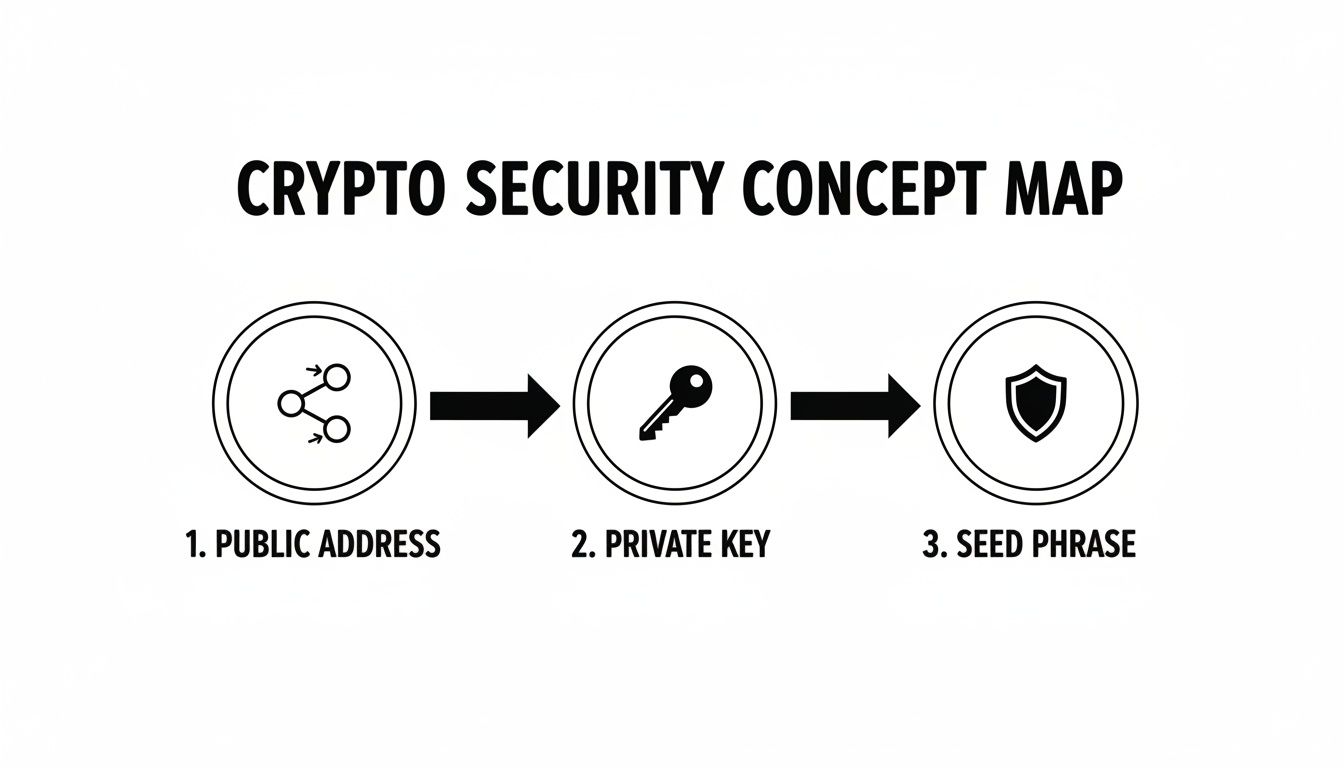
It’s a great visual reminder: your public address is meant to be shared, but your private key and seed phrase are the keys to the kingdom. Keep them secret, keep them safe.
Finding Addresses in Multi-Coin Wallets
Unlike MetaMask, which is built around the Ethereum ecosystem, wallets like Exodus and Trust Wallet are designed to hold a whole zoo of different cryptocurrencies—from Bitcoin to Solana and everything in between. Since every blockchain has its own address format, there's one extra (but crucial) step: you have to pick the right crypto first.
Let's say a friend wants to send you some Bitcoin, and you're using your Exodus wallet.
First, you'd open Exodus and navigate to your Bitcoin (BTC) wallet within the app. Once you're in the Bitcoin section, you'll see big, clear "Send" and "Receive" buttons. You’ll want to hit Receive.
Exodus will then show you your unique Bitcoin address and a matching QR code. That's the one you share.
Pro Tip: Always, always double-check you've selected the right cryptocurrency before you copy and share an address. Sending Bitcoin to an Ethereum address (or vice versa) is a one-way ticket to lost funds. There's no "undo" button in crypto.
This exact workflow applies to pretty much every multi-coin wallet out there, including Atomic Wallet and the Blockchain.com wallet. It's a deliberate design choice meant to prevent you from making a very common and costly mistake. Take that extra second to confirm you're in the right section before you hit copy.
Finding Your Address On Hardware Wallets
Hardware wallets like Ledger and Trezor are widely considered the gold standard for securing your crypto. They keep your private keys on a dedicated physical device, completely isolated from the internet. This offline approach adds an extra verification step that software wallets don't require, but it’s precisely this step that shields you from some of the most common digital threats.
When you need to find your public address on a hardware wallet, the process always involves interacting with both your computer and the physical device itself. You can't just copy an address from your computer screen without first confirming it on the wallet's own trusted display.
This is by design. It's your number one defense against clipboard-hijacking malware, a nasty type of attack where a virus secretly swaps the address you copied with an attacker's address.
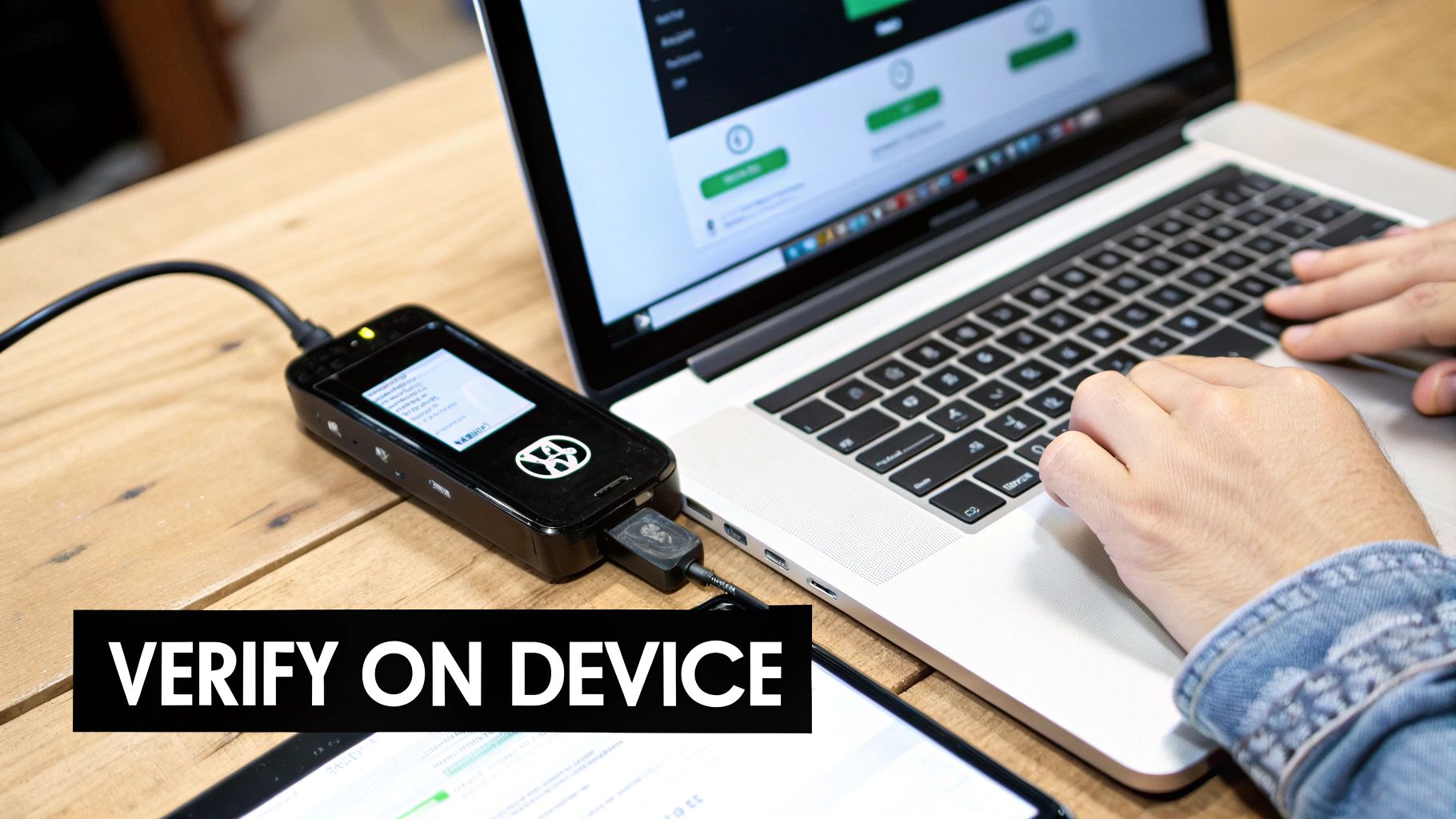
The On-Device Verification Process Is Essential
The guiding principle here is simple: trust your device, not your computer screen. Malware can easily alter what you see on your monitor, but it can't touch the little screen on your hardware wallet.
Here’s the typical flow for safely getting your public address:
- First, plug your Ledger or Trezor into your computer and unlock it with your PIN.
- Next, launch the companion app on your desktop—that’s Ledger Live for a Ledger or Trezor Suite for a Trezor.
- Inside the app, navigate to the account you want to receive funds into (e.g., Bitcoin) and click the "Receive" button.
The software will generate and display a fresh receiving address on your computer. But don't copy it just yet. The most important part comes next.
The exact same address should now be displayed on your hardware wallet's screen. Your job is to meticulously compare the address on your computer with the one on your device. If they match character for character, you're good to go. You can now confidently copy the address from your computer and share it.
If the addresses do not match, stop everything. This is a massive red flag that your computer might be compromised. Do not, under any circumstances, use the address shown on your screen.
Why This Extra Step Is So Important
This physical check might feel a bit tedious, but it's an incredibly powerful security habit. The process is simple—plug in, open the app, verify, and copy—yet a shocking 76% of crypto losses come from simple human errors and operational slip-ups. As of early 2025, it's estimated that between 2.3 to 3.7 million Bitcoins are permanently lost, worth tens of billions of dollars. Much of this is due to users losing access to the seed phrases tied to their addresses. You can learn more about the scale of lost crypto from this detailed analysis.
Skipping the on-device verification leaves you wide open to two very common attacks:
- Clipboard Malware: This sneaky software runs silently in the background, just waiting for you to copy a crypto address. The moment you do, it instantly replaces it with a scammer's address in your clipboard.
- Phishing Attacks: A fake wallet app or a malicious website can trick you by showing you an attacker's address instead of your own.
By always verifying the address on your hardware wallet's trusted display, you completely shut down these risks. You are physically confirming that the address you’re about to use was genuinely generated from your private keys, ensuring any crypto sent to it will land safely in your wallet.
How To Share Your Wallet Address Safely
So you’ve found your crypto wallet address. Great. Now comes the part where a single slip-up can cost you everything: sharing it with someone else. It sounds simple, but I’ve seen countless people lose funds by rushing this step, falling victim to either simple human error or a clever scam.
The absolute worst thing you can do is try to type out a wallet address by hand. Seriously, don't even think about it. These things are long, jumbled strings of letters and numbers for a reason—they're built for computers, not for human fingers and eyes. One wrong character, and your crypto is sent into the digital abyss, gone for good.
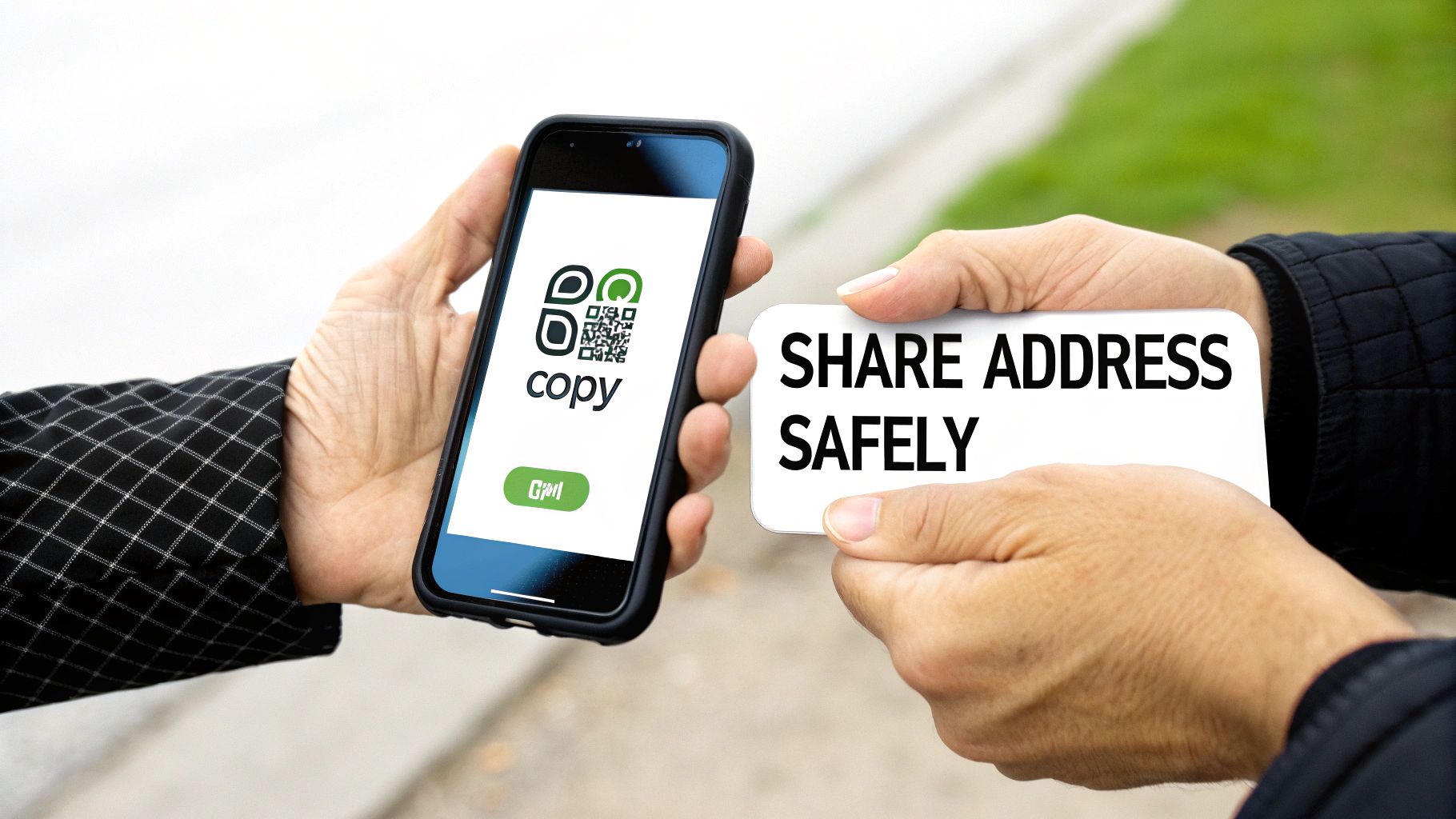
Use Copy-Paste or QR Codes—No Exceptions
There are only two ways you should ever share your address. Anything else is just asking for trouble.
- The Copy Button: Every wallet app has a one-click copy icon right next to your address. Use it. It grabs the entire string perfectly, so there's zero chance of a typo.
- The QR Code: If you're doing a transaction in person, the QR code is your best friend. The sender just points their camera at your screen, and their wallet app instantly and accurately fills in your address.
Sticking to these two methods eliminates the biggest risk factor: you. It’s a simple habit that could save you from joining the unfortunate group who have lost their crypto. Analysts estimate that between 2.3 to 3.7 million BTC will be permanently lost by early 2025, with a huge chunk of that coming from basic access and verification mistakes. You can get more details on the scope of lost Bitcoin on Ledger's blog.
Always Verify Before You Send
Even if you use the copy button, there’s a sneaky threat to watch out for called clipboard malware. This nasty piece of software runs quietly in the background on your computer or phone. When it detects a crypto address on your clipboard, it silently swaps it with an attacker's address. You paste what you think is the right address, hit send, and your funds are instantly stolen.
The Golden Rule: Always send a tiny test transaction first. Before you send a significant amount, send a trivial sum—like $1 worth of crypto. Wait for the other person to confirm they got it. Only then should you send the full amount.
This one small step is your best line of defense. It confirms the address is correct, belongs to the right person, and isn't being hijacked.
Do a Quick Visual Check
For an extra layer of security, get into the habit of doing a quick visual check after you paste the address into the "send" field. You don't need to read the whole thing.
Just compare the first four or five characters and the last four or five characters with the address the recipient gave you.
This simple "bookend" check is usually enough to spot if a clipboard hijacker has swapped the address. An attacker's address will almost never have the same beginning and end. It takes two seconds, and it’s one of the most valuable habits you can build to protect your crypto.
It's a special kind of gut-punch when you can't get into your wallet at all. Suddenly, the problem isn't just about finding your receive address—it's about a full-blown recovery crisis.
This happens for all sorts of reasons. Maybe you lost your phone, a password has completely slipped your mind, or a wallet file got corrupted. Sometimes, the app just flat-out refuses to open. When you’ve already tried the one thing that’s supposed to work—your 12 or 24-word seed phrase—and still hit a wall, you're facing a much deeper technical problem.
When Your Master Key Fails
Your seed phrase is your ultimate fallback, but what if it doesn't work? It's more common than you'd think. Maybe you jotted it down with a small mistake, the wallet software has a strange bug, or some other obscure glitch is blocking you. At this point, guessing and retrying can feel pretty hopeless. Worse, you risk making the situation irreversible.
This is where you need to stop. Pushing forward without a clear plan is dangerous. If it's a forgotten password holding you back, for instance, there are advanced techniques you can explore that go beyond the usual advice. You can learn more about recovering lost crypto passwords to see what’s possible.
The Stakes Are Incredibly High
Losing wallet access isn't just an inconvenience; it can mean a catastrophic financial loss. The scale of this issue is massive and growing. Compromised private keys and seed phrases were behind 76% of the $2.2 billion lost in 45 major infrastructure attacks.
According to TRM Labs, illicit crypto inflows hit $158 billion—a five-year high. This really drives home the severe risks involved when wallet security is breached. You can dig deeper into these numbers in the 2026 Crypto Crime Report.
These figures aren't just statistics; they represent real people whose assets are now permanently gone. It’s a stark reminder of why professional help is sometimes the only viable path forward.
Knowing When to Call for Backup
A professional recovery service isn't your first move, but it should be your next one once you've truly exhausted every other option. If the seed phrase isn't working and you're officially out of ideas, a specialized service like Wallet Recovery AI has the technical tools and expertise to tackle these complex dead-ends.
Think about reaching out to an expert in these specific situations:
- Forgotten Passwords: You have the seed phrase but can't get past the password or passphrase protecting the wallet.
- Corrupted Wallet Files: Your
wallet.dator keystore file is damaged, and the software can't read it. - Weird Technical Glitches: The wallet is just malfunctioning, locking you out even with the right credentials.
In these high-stakes scenarios, turning to a dedicated service gives you a structured, secure way to try and get your funds back.
Frequently Asked Questions About Wallet Addresses
Once you get the hang of finding your crypto wallet address, a few more nuanced questions almost always come up. These are the details that take you from just knowing what to do, to actually understanding the why behind it.
Nailing these concepts is what builds real confidence in managing your own digital assets safely.
Does My Crypto Wallet Address Ever Change?
This is a fantastic question, and the answer really depends on which cryptocurrency you're using.
For Bitcoin, the answer is often yes. Most modern wallets are built with privacy as a priority and will generate a fresh, new address for you after every single transaction. This is a feature of what's known as hierarchical deterministic (HD) wallets, and it makes it much tougher for an outsider to trace your entire financial history on the blockchain.
But don't panic—all of your old, previously used addresses are still perfectly valid and tied to your wallet forever. You can still receive funds on any of them without a problem.
On the other hand, for Ethereum and other compatible chains (like Polygon, Avalanche, or BSC), your public address usually stays the same. That single "0x…" address is your universal ID for receiving ETH, any ERC-20 tokens, and even NFTs on that specific network.
Can I Use One Address for Different Cryptos?
This is another area where the specific blockchain you're dealing with is crucial.
As we just covered, on Ethereum and similar networks, that one public address is your master key to an entire ecosystem of different tokens. It keeps things simple because you don't have to juggle a new address for every single asset you own.
However, and this is a big one, you cannot use your Bitcoin address to receive Ethereum. You can't send Solana to a Cardano address. Think of each blockchain as its own separate country with its own unique postal code system.
Sending a coin to an address on an incompatible network is one of the easiest—and most heartbreaking—ways to permanently lose your funds.
Crucial Takeaway: Always, always double-check that the receiving address format matches the specific cryptocurrency you're about to send. A five-second check can save you from a very costly mistake.
Is My Wallet Address Sensitive Information?
It’s public, but you should still handle it with care. A good analogy is your home address. You give it out when you need a package delivered, but you probably wouldn't post it on a public billboard for the whole world to see.
Sharing your wallet address is a necessary part of receiving crypto, and the good news is no one can steal your funds with just the address alone.
The catch is that since all transactions are recorded on a public ledger, anyone who has your address can look you up on a block explorer. They can see your balance and your entire transaction history. This is exactly why many Bitcoin users prefer wallets that generate new addresses—it provides a much-needed layer of financial privacy.
If you’ve tried all the steps and still can't get into your wallet to find your address, it might be time to call in an expert. The team at Wallet Recovery AI uses highly specialized techniques to help people securely regain access to their locked or lost crypto assets.
You can learn more about their process at https://walletrecovery.ai.
Leave a Reply