
A hardware wallet is a small, physical device built for one single, critical purpose: to be the most secure place to store your cryptocurrency. Think of it as a specialized, pocket-sized vault for your digital assets.
Unlike a software wallet that lives on your computer or phone, a hardware wallet keeps your private keys completely disconnected from the internet. This simple separation is what makes it so powerful—it makes your funds nearly impossible for online attackers to reach.
The Digital Key to Your Crypto Vault
To really get what a hardware wallet does, let’s use an analogy. Imagine your crypto isn’t just money but a collection of priceless jewels locked away in a high-security bank vault. The public address of your crypto wallet is like the vault’s location—anyone can look it up and send more jewels to it.
But the hardware wallet itself isn’t the vault. It’s the unique, physical key required to open that vault and move anything out.
This “key”—your private key—never, ever leaves the device. When you want to send crypto, your computer sends the unsigned transaction to the hardware wallet. You then physically press buttons on the device to approve and “sign” the transaction. Only the signed approval goes back to the computer, while your actual private key remains safely locked away, completely offline.
Why Keeping Keys Offline is Everything
This offline approach, known as “cold storage,” is the bedrock of its security. It creates an air gap between your keys and the internet, shielding your assets from common threats that plague software and web wallets, such as:
- Viruses and Malware: Malicious software on your computer can’t steal keys it can’t reach. An offline device is a dead end for them.
- Phishing Scams: Even if you’re tricked into visiting a shady website, the scammer can’t drain your funds without physically holding your device and knowing its PIN.
- Remote Hacking: Attackers simply cannot pull your private keys from a device that isn’t connected to their network.
A hardware wallet is a specialized physical device designed to securely store the private keys needed to access cryptocurrency holdings, offering a significant improvement in security over software wallets.
This isn’t just a niche product anymore. The global hardware wallet market is growing fast, which shows just how many people are realizing they need better security. You can find more data on the hardware wallet market on imarcgroup.com and see the rising demand for yourself. It all comes back to a core principle in crypto: if you control your keys, you control your crypto.
To make things even clearer, let’s break down the essential characteristics of a hardware wallet.
Hardware Wallet Key Characteristics at a Glance
This table summarizes the core concepts that make these devices the gold standard for crypto security.
| Characteristic | Description | Why It Matters |
|---|---|---|
| Cold Storage | Private keys are stored completely offline, disconnected from the internet. | Protects against online threats like malware, hacking, and phishing attempts. |
| Secure Element | Keys are stored in a specialized, tamper-resistant chip inside the device. | Prevents physical extraction of keys even if a thief gets the device. |
| Transaction Signing | All transactions must be physically confirmed on the device’s screen and buttons. | You have the final say. No transaction can be approved without your explicit, physical consent. |
| Recovery Seed Phrase | A 12 to 24-word phrase is generated during setup to back up your entire wallet. | Allows you to restore all your funds on a new device if your original one is lost, stolen, or broken. |
In short, a hardware wallet isolates the one thing that matters—your private key—from the countless vulnerabilities of an internet-connected computer. It puts you, and only you, in control of your digital assets.
How a Hardware Wallet Actually Works
To really get what makes a hardware wallet the gold standard for crypto security, you have to look past the physical gadget and zoom in on what it actually does: transaction signing.
Think of it like signing a physical check. It’s the final, authoritative step that says, “Yes, I approve this.” In the crypto world, this is where your private keys do their most important job.
Let’s use an analogy. Your public crypto address is like your home mailing address—anyone can send stuff to it. Your private key is the only key that unlocks your front door. A hardware wallet is essentially an ultra-secure, offline vault where you keep that one-of-a-kind key. It never, ever touches the internet.
The Offline Signing Process
Here’s where people get a little confused. When you want to send crypto, you don’t start by fiddling with your hardware wallet. The process actually kicks off on your computer or smartphone, using an app like Ledger Live or Trezor Suite.
This is how your funds move from point A to point B without your keys ever seeing the light of day:
- Craft the Transaction: First, you open the software on your computer and build the transaction. You’ll plug in the recipient’s address and the amount you want to send. At this stage, it’s just an unsigned transaction—a draft with no power.
- Send it to the Device: Your computer sends this unsigned transaction data over to your hardware wallet, which you’ve plugged in. This is a one-way street; the software can send the draft to the wallet, but it can’t pull your private key from it.
- Verify, Verify, Verify: Now, the hardware wallet’s little screen lights up. It will show you the most important details: the amount, where it’s going, and the network fee. This is your chance to confirm everything is correct, away from your potentially compromised computer screen. You have to physically press the buttons on the device to give it the green light.
- Sign It Offline: Once you approve, the device does its magic. It uses the private key—stored safely inside its isolated, secure chip—to cryptographically “sign” the transaction. This digital signature is rock-solid mathematical proof that you, and only you, authorized this payment.
- Broadcast the Signed Transaction: Finally, the wallet sends only the signature back to the computer. Your private key stays put. The computer then broadcasts this now-signed transaction to the crypto network, where it gets confirmed and added to the blockchain.
This diagram gives you a simple visual of how this works. The key is kept completely separate from the dangerous online world.
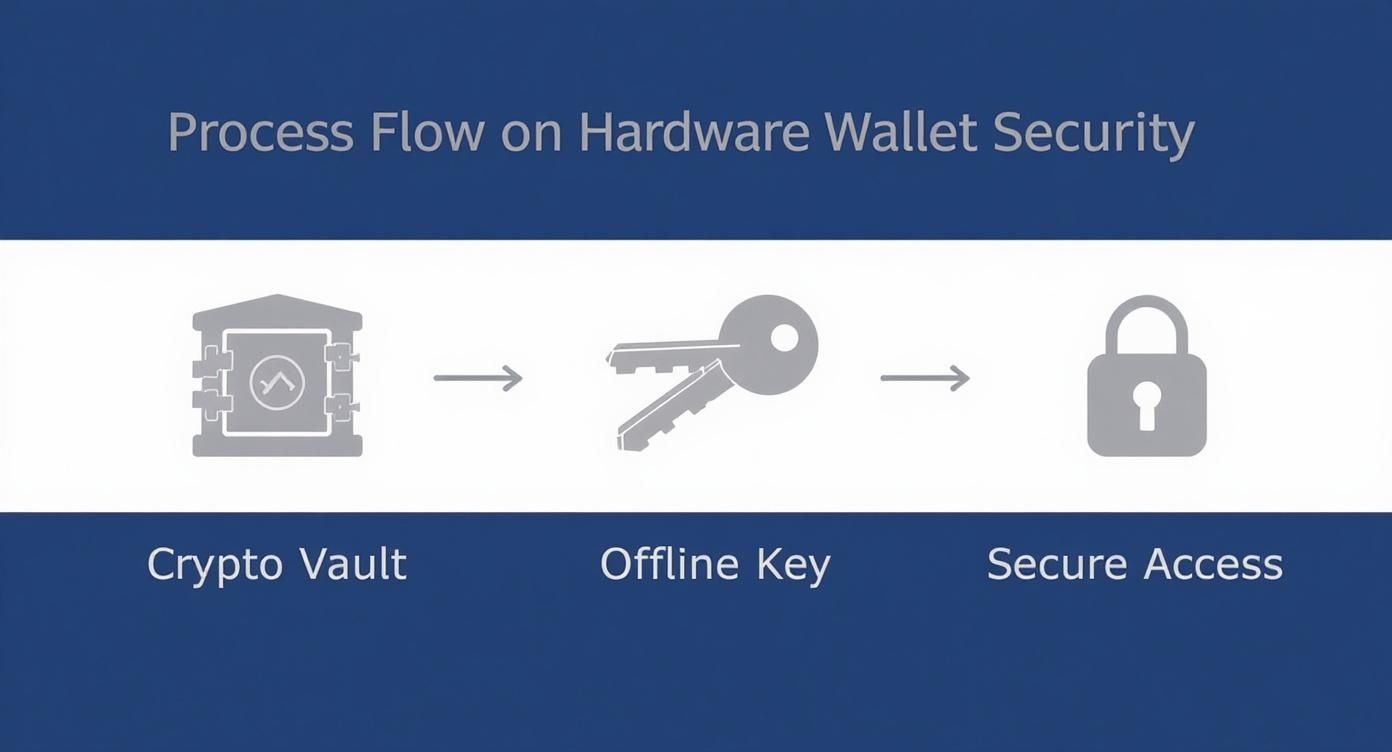
As you can see, the vault holding your crypto is only ever opened with a key that remains physically and digitally isolated from online threats.
Why This Separation Is Crucial
This whole song and dance creates what security experts call an “air gap”—a buffer between your priceless private keys and your internet-connected computer. It’s a simple but brilliant concept.
Even if your PC is crawling with malware or some hacker is remotely watching your every move, they’re stuck. They can see the transaction, but they can’t sign it. They can’t steal the key.
A hardware wallet’s real job isn’t to “store” your crypto. It’s to provide a sterile, offline environment for signing transactions. Your physical button press on the device is the final, unbreakable security checkpoint.
This design intentionally takes the security burden off your computer and puts it back in your hands. Instead of worrying about firewalls and antivirus software, your security boils down to a simple, physical action. That’s the fundamental reason what is a hardware wallet is such a critical concept for anyone serious about protecting their assets.
Hardware vs. Software Wallets Compared
When it comes to choosing a crypto wallet, you’re really making a trade-off between fortress-like security and grab-and-go convenience. It’s not about finding a single “best” wallet, but the right one for your needs. The biggest difference comes down to one simple question: is it connected to the internet?
This splits the wallet world into two main camps: cold storage (like hardware wallets) and hot storage (software wallets).
A hardware wallet is the gold standard for cold storage. It’s a physical device that keeps your private keys completely offline, isolated from the dangers of the internet. On the other hand, any wallet that lives on an internet-connected device—whether it’s a mobile app, a desktop program, or a browser extension—is a “hot” wallet. That constant connection is great for making quick trades, but it also leaves a door open for hackers and malware.
Custodial vs. Non-Custodial: Who Really Holds the Keys?
Beyond the hot vs. cold debate, there’s an even more fundamental question: who is actually in control of your crypto? This is where the idea of custodial versus non-custodial wallets comes in. The concept is dead simple: do you hold your own keys, or are you trusting someone else to do it for you?
- Non-Custodial Wallets: This is the category for hardware wallets and most software wallets like MetaMask or Trust Wallet. When you use one of these, you and only you hold the private keys and the all-important recovery seed phrase. In this world, you are your own bank.
- Custodial Wallets: Think of the wallet you get on a crypto exchange like Coinbase or Binance. The exchange holds the private keys for you. It’s convenient, no doubt, but it also means you’re placing your trust entirely in a third party. If they get hacked, go bankrupt, or freeze your account, your funds are at risk.
The old crypto saying, “not your keys, not your coins,” gets right to the heart of this. A hardware wallet is the ultimate expression of this principle, giving you absolute, offline control over your digital assets.
This isn’t just a technical detail—it defines ownership. With a non-custodial wallet, you have undeniable authority over your crypto. With a custodial one, you essentially have an IOU from a company, hoping they’ll honor it when you ask.
Hardware vs. Software Wallets: A Head-to-Head Comparison
So, how do all these differences stack up in the real world? Let’s put the three main wallet types side-by-side to see how they compare on the features that matter most.
| Feature | Hardware Wallet (Cold) | Software Wallet (Non-Custodial) | Exchange Wallet (Custodial) |
|---|---|---|---|
| Security Level | Highest. Keys are offline, isolated from malware and online threats. | Medium. Keys are on a connected device, vulnerable to viruses and phishing. | Lowest. Keys are held by a third party, creating a single point of failure. |
| User Control | Absolute. You hold your private keys and recovery phrase. | Absolute. You hold your private keys and recovery phrase. | None. You trust the exchange to manage your keys and assets. |
| Convenience | Lower. Requires a physical device for every transaction. | High. Ideal for frequent trading and DeFi interactions directly from your browser or phone. | Highest. Seamlessly integrated with trading features on the exchange platform. |
| Cost | $60 – $200+ one-time purchase. | Free. Most software wallets are free to download and use. | Free. No cost to create an account, but trading fees apply. |
| Primary Use Case | Long-term, secure holding of significant crypto assets. | Daily spending, active trading, and interacting with dApps. | Trading and storing small amounts for easy access. |
This table makes it pretty clear why serious investors are flocking to hardware wallets. The growing demand, as highlighted in this hardware wallet market analysis, is a direct response to rising security fears. At the same time, new features like Bluetooth are making these devices easier to use than ever before, closing the convenience gap.
For most people, the smartest strategy isn’t choosing one over the other, but using both. Keep a small amount of “walking around money” in a software wallet for quick access and daily use. Meanwhile, the bulk of your portfolio—your serious, long-term holdings—should be locked down tight in one of the best cold storage wallets on the market. This hybrid approach gives you the perfect balance: the security you need with the flexibility you want.
Core Security Features and Potential Risks
A hardware wallet provides top-tier protection, but it isn’t magic. Its security comes from a few deliberate design choices that create a multi-layered defense between your crypto and anyone trying to get it. Understanding these features—and where they fall short—is the key to using your device correctly.
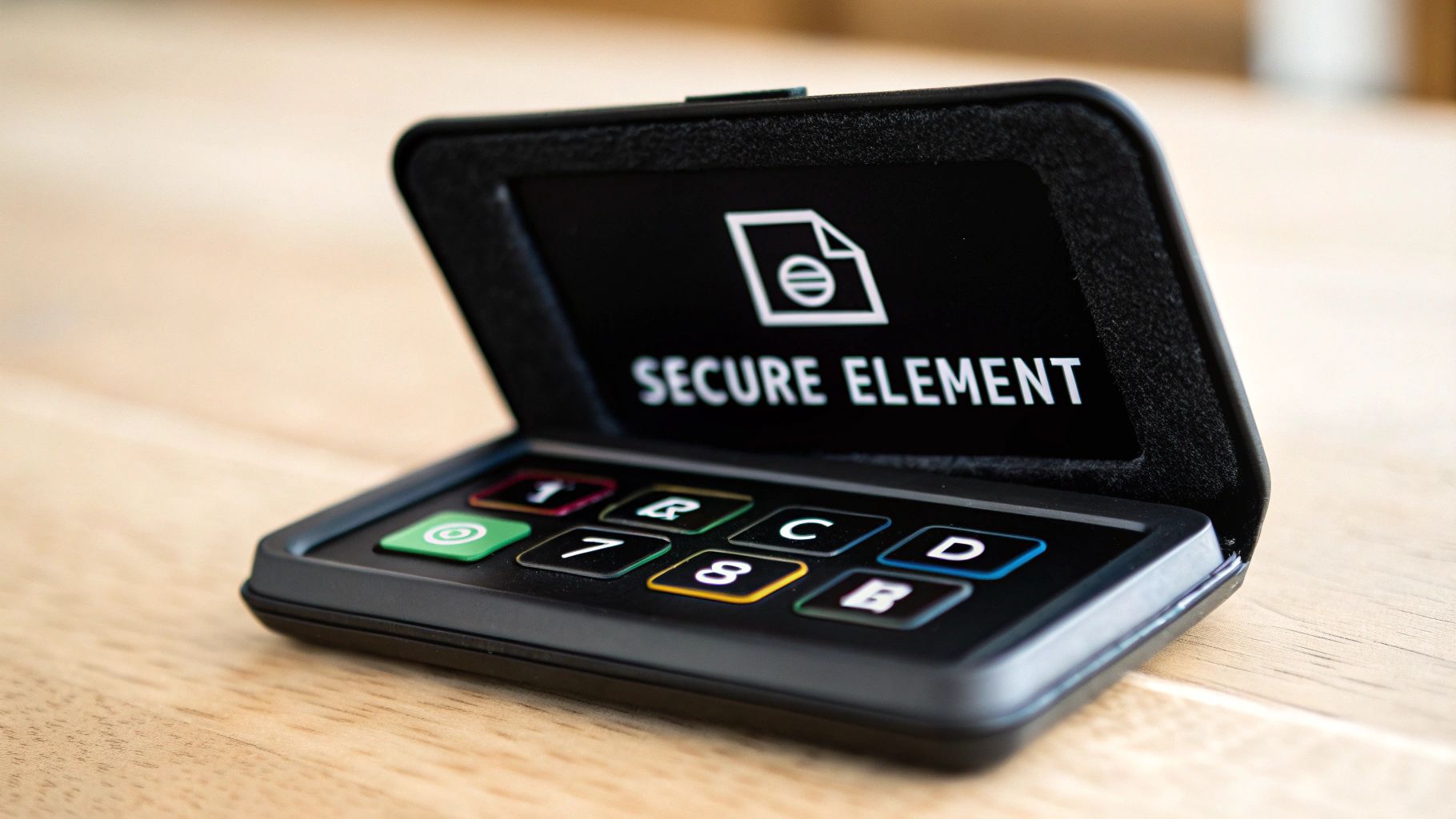
At the heart of most premium hardware wallets is a secure element chip. You can think of this as a tiny, military-grade vault built right into the device. This specialized chip is designed to be tamper-resistant, making it almost impossible for an attacker to physically crack it open and steal your private keys, even if they have the wallet in their hands.
Beyond the internal fortress, there’s the most critical security feature of all: physical transaction confirmation. Before any crypto leaves your wallet, the transaction details (like the amount and recipient’s address) show up on the wallet’s own screen. You then have to physically press buttons on the device to sign and approve it. This simple, manual step is what stops malware from draining your funds remotely—software can’t press a physical button.
Acknowledging the Human Element and Physical Threats
No security system is perfect, and that includes hardware wallets. While they are fantastic at stopping online hacks, their vulnerabilities are different. The risks shift from the digital world to the physical one.
The greatest strength of a hardware wallet is its isolation from the internet. Its greatest potential weakness, however, lies in how the user manages the device and its backup in the physical world.
This is why you have to understand both sides of the security coin. The whole point of non-custodial wallets is to give you full control, but that also means the responsibility for keeping it safe falls squarely on your shoulders.
Common Risks and Built-In Defenses
Even with a secure element, you need to be prepared for real-world threats. Here’s a breakdown of the main risks and how your hardware wallet is designed to defend against them:
- Physical Theft: If someone steals your device, they still can’t get to your crypto without your PIN code. After a few wrong guesses (usually three to five), most devices will completely wipe themselves, keeping your keys safe.
- Supply Chain Attacks: This is a rare but serious risk where a device is tampered with before you even receive it. To avoid this, always buy directly from the manufacturer or an authorized reseller and inspect the tamper-evident packaging when it arrives.
- The “Evil Maid” Attack: This is a classic scenario where an attacker gets temporary physical access to your device and tries to install malicious firmware. Modern wallets have security checks to prevent this, but it highlights just how important it is to keep your device somewhere secure.
- Loss or Damage: Let’s be honest, the most common problem isn’t a sophisticated attack—it’s just losing or breaking your wallet. This is where your recovery seed phrase is your ultimate lifeline. This list of words is the master key that lets you restore your entire wallet on a brand-new device. You can check out our in-depth guide to understand how a wallet seed phrase works and why it’s so critical.
Setting Up Your First Hardware Wallet
Getting your hands on a new hardware wallet can feel intimidating, but the setup process is surprisingly straightforward. Manufacturers have designed it to be as user-friendly as possible, guiding you through a few crucial steps to lock down your crypto. While the software might look different between a Ledger or a Trezor, the core principles are exactly the same.
First things first: inspect the box. Seriously. Every legitimate hardware wallet comes in packaging with tamper-evident seals. If that seal is broken, or the box looks like it’s been opened and resealed, stop right there. Don’t use the device. Contact the company you bought it from immediately.
Once you’re sure the device is pristine, you’ll plug it into your computer and download the official software, like Ledger Live or Trezor Suite. This app is your command center and will walk you through the initialization, starting with setting a strong PIN code for the device itself.
The Most Important Step: Generating Your Recovery Phrase
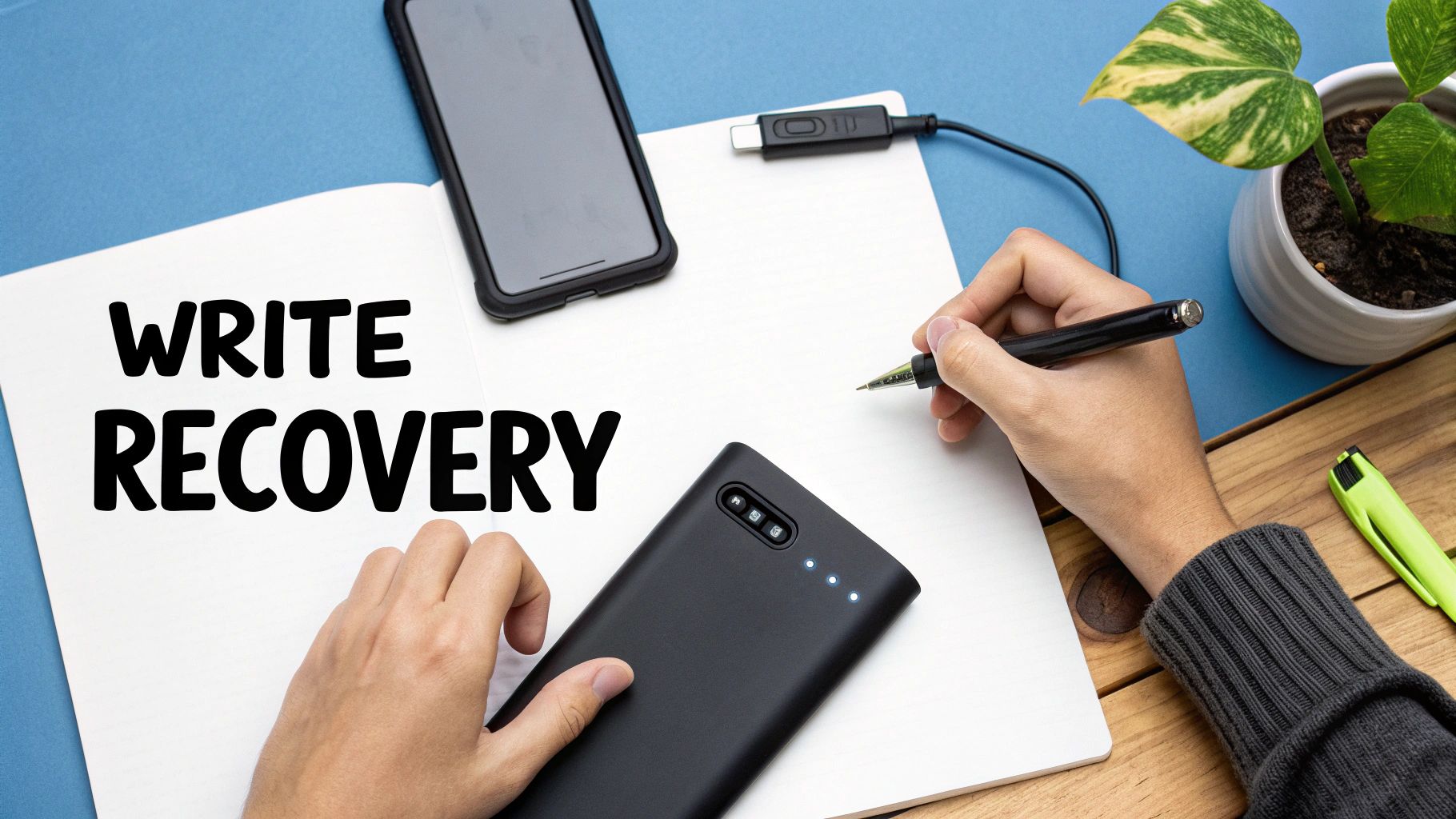
After you’ve set your PIN, the wallet will display your recovery phrase (sometimes called a seed phrase). This is it—the single most important moment of the entire process. You’ll be shown a sequence of 12 to 24 random words.
This isn’t just another password. Think of it as the master key to everything.
If your hardware wallet gets run over by a bus, stolen, or dropped in the ocean, this phrase is your only way back. You can enter these words into a brand-new device and regain full access to all your funds. Lose the phrase, and your crypto is gone for good. The wallet will show you each word, one by one. Your job is to write them down, in the correct order, with zero distractions.
Your recovery phrase is the only backup for your crypto. The device itself is replaceable; this phrase is not. Its security is 100% your responsibility.
This is where you need to slow down and be deliberate. The goal is to create a permanent, completely offline record of this phrase.
Best Practices for Securing Your Seed Phrase
How you store your recovery phrase is just as critical as having the hardware wallet in the first place. The number one mistake people make is creating a digital copy, which shatters the entire concept of offline security.
Here are the non-negotiable rules for handling your recovery phrase:
- DO write it down on paper (most wallets come with a card for this) or, even better, engrave it into metal for long-term durability.
- DO store it somewhere physically secure, like a fireproof safe or a bank’s safe deposit box.
- DO consider making a second physical copy to store in a totally separate, secure location.
And here’s what you must never do:
- DON’T take a photo of it. Your phone is connected to the internet.
- DON’T save it in a password manager, a text file, or a cloud service like Google Drive.
- DON’T type it into your computer for any reason, ever (unless you are performing a recovery on a new, trusted device).
Stick to these simple rules, and your backup will be just as secure as the device it’s meant to protect. Once your phrase is safely stashed away, you’ll confirm the setup on your device, and you’ll be ready to start managing your assets with real peace of mind.
Here’s a look at some of the most common—and costly—mistakes people make with their hardware wallets. A device can only protect you so much; the rest comes down to good habits.
The absolute worst thing you can do is mishandle your recovery seed phrase. Think of this list of words as the master key to your entire crypto life. If you store it digitally—say, as a photo on your phone, in a note-taking app, or on a cloud service like Google Drive—you’ve completely undermined the whole point of having an offline wallet. One piece of malware on your computer or phone, and that “secure” backup is gone.
Never Trust, Always Verify
Another classic blunder is something called “blind signing.” This is when you just glance at the transaction details on your computer screen and hit “approve” on your hardware wallet without a second thought. But what you see on your computer can be a lie.
Clever malware can easily swap the real recipient address for an attacker’s address right on your screen. The transaction you think you’re sending is not the one you’re actually signing.
The golden rule is simple: The hardware wallet’s screen is the only source of truth. Always, always double-check the address and amount on the device’s physical display before you confirm anything.
This tiny step is your final line of defense. Scammers are literally banking on you being in a hurry and skipping it.
Scams Are More Sophisticated Than You Think
Finally, don’t underestimate how convincing modern phishing attacks have become. We’re way past the days of poorly spelled emails from Nigerian princes. Today, scammers build pixel-perfect copies of official websites, create fake support bots that seem helpful, and even deploy malicious smart contracts that look completely legitimate.
Here’s how you stay safe:
- Be Meticulous: Before you sign any transaction, carefully compare the destination address, the amount, and the network fee on your hardware wallet’s screen. If it doesn’t match what’s on your computer, reject it immediately.
- Keep Your Seed Phrase Analog: Write it down. Stamp it into metal. Store it somewhere safe and totally disconnected from the internet. No pictures, no text files, no exceptions.
- Question All “Help”: If anyone claiming to be from “customer support” asks for your seed phrase, they are trying to rob you. A real company will never ask for it. End the conversation.
Hardware Wallet FAQs
Even with a solid grasp of how hardware wallets work, some “what if” questions almost always come up. Let’s walk through the most common ones so you can feel completely confident in your setup.
What Happens If My Hardware Wallet Is Lost or Stolen?
This is usually the first question people ask, and thankfully, the answer is a reassuring one. If your device gets lost, stolen, or even just stops working, your crypto is completely safe.
The key thing to remember is that your assets aren’t on the physical device. They’re on the blockchain. Your wallet is just the gatekeeper holding the private keys.
As long as you have that recovery seed phrase you wrote down, you can just grab a new hardware wallet—it doesn’t even have to be the same brand—and use your phrase to restore complete access. The PIN you set also acts as a first line of defense; if a thief tries to guess it, most devices will wipe themselves clean after just a few wrong attempts.
A hardware wallet is replaceable. Your recovery seed phrase is not. The entire security of your crypto hinges on how well you’ve protected those words.
Can a Hardware Wallet Get a Virus?
Nope, not like your computer or phone can. A hardware wallet is a purpose-built, stripped-down computer. It can’t run apps, it can’t browse the internet, and its entire existence is dedicated to one single job: signing transactions in a totally isolated environment.
This hyper-focused design means it simply doesn’t have the weak points or “attack surfaces” that a PC or smartphone does. It’s built from the ground up to be incredibly resistant to malware.
Does a Hardware Wallet Support All Cryptocurrencies?
Most modern hardware wallets from brands like Ledger and Trezor are multi-currency, supporting thousands of coins and tokens, from big names like Bitcoin and Ethereum to smaller altcoins.
That said, compatibility isn’t universal. It can vary between different brands and even different models from the same company. Before you buy anything, you absolutely need to check the manufacturer’s official list of supported assets on their website to make sure it covers everything in your portfolio.
Our TIP for HW Wallet ?
Check out Cypherock X1 !!!
If you’ve lost your recovery phrase or are stuck with a more complicated access issue, sometimes you need to call in the experts. Wallet Recovery AI uses specialized, AI-enhanced services to help you get back into your locked assets securely and confidentially. You can learn more about our crypto recovery services on our website.
Leave a Reply